DIY projects / 9 January 2025
Building a simracing PC: choosing parts and assembly

Here I build my new simulation PC, introducing the components and the main assembly stages. The filmed configuration is fairly powerful, but I also show smaller budgets to illustrate how a simracing PC can evolve gradually. This video dates from January 2025: prices and component comparisons remain references from that period, while the assembly concerns the parts actually used.
The parts chosen for this PC
I use an Intel Core i9-14900 and an Intel-compatible motherboard while reusing DDR4 memory and the RTX 3080 from my previous setup. The main storage shown is an NVMe SSD. Reusing parts avoids replacing every component at once.
Cooling is provided by a 420 mm Arctic Liquid Freezer III inside a large M-RED case. I chose this case size to accommodate the radiator. The 1,250 W modular power supply belongs to this personal configuration; the video does not mean every simulation PC needs that much capacity.
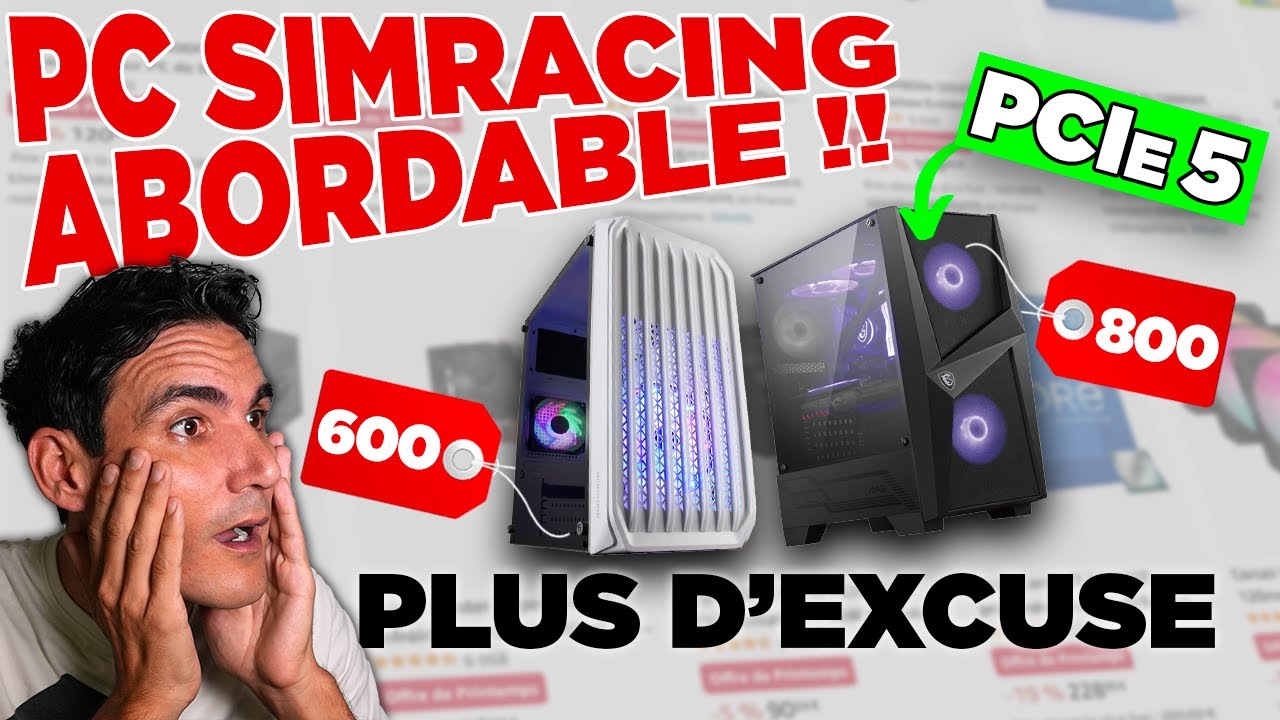
I also mention less expensive processors and graphics cards, alongside alternatives available at the time. Displayed budgets range from around €600–700 for a basic build to more expensive systems. These are build examples rather than results from a performance comparison conducted in this video.
Motherboard, processor and cooling
I first prepare part of the cooling system inside the case. Introducing the motherboard then identifies the locations for the processor, memory, graphics card and SSDs.
The build shows the processor and liquid-cooling mount, followed by the motherboard inside the case. I explain that the fittings need to match the board’s layout. Thermal paste and the cooling block complete that assembly. A different cooler would naturally require a different installation: the images concern my AIO.
Memory, SSD and graphics card
I then install the memory modules and NVMe SSD. The graphics card goes into its PCI Express slot after removing the necessary rear case covers.
Much of this work is shown visually with music. The main thread is identifying the components and their place in the computer.
Wiring and first startup
Before connecting the power supply, I organise the cables. Its modular design allows only the leads needed for the motherboard, graphics card and case components to be connected. I also identify the fan-controller and front-panel connections for the power button and USB ports.
The final section shows connections and the first startup. I discuss updating the BIOS, which mattered with my motherboard and recent-generation Intel processor. Windows installation is prepared on a USB drive using another computer.
Join the discussion on YouTube