Reviews / 10 April 2024
Thrustmaster T818 or MOZA R9 V2: force feedback and software

Here I compare the MOZA R9 V2 and Thrustmaster T818, each fitted with a GT wheel. Advertised torque is only part of the choice: size, wheel attachment and adjustment options substantially change the experience. These are differently priced bases tested with the software available at the time. My aim is to explain their approaches and what matters in my installation.
Size affects screen placement
The R9 is compact, and its dense metal housing is relatively easy to integrate. A shaft extension helps move the base away from the wheel and behind the displays. That matters in my cockpit, where I try to hide hardware and preserve a coherent view of the car.
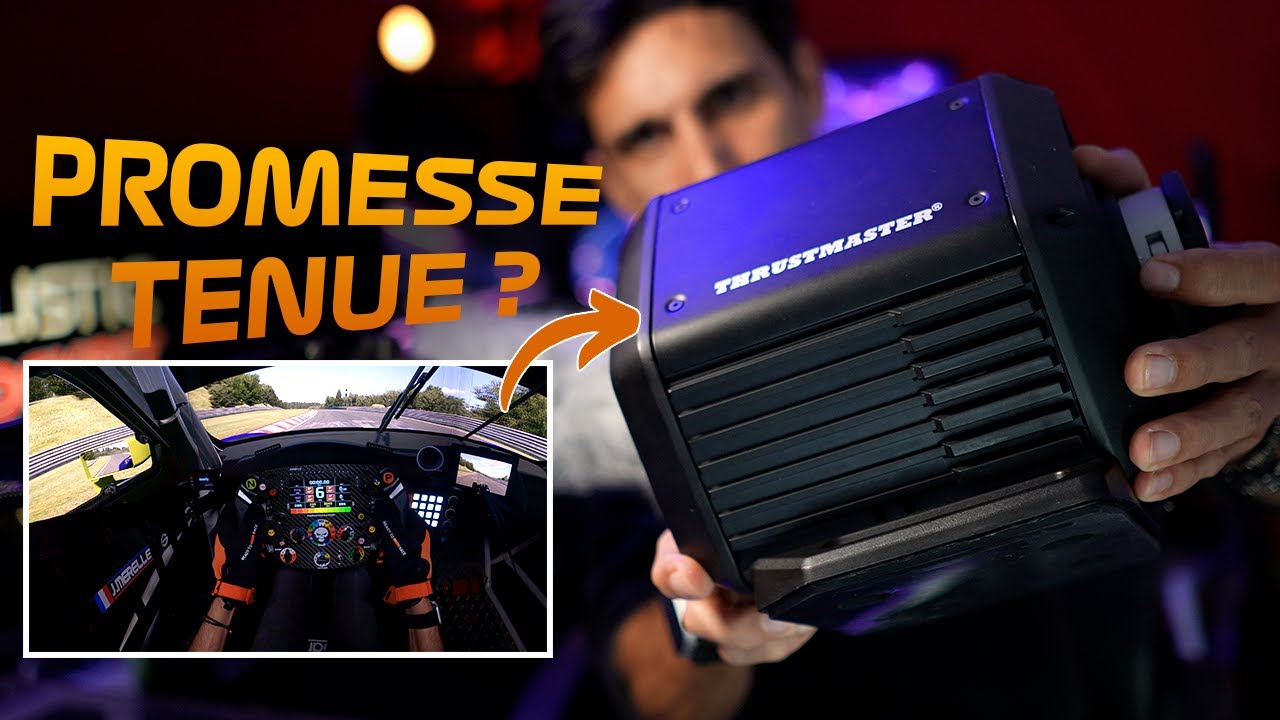
The T818 is bulkier. In my arrangement, it provides less placement flexibility and remains more visible in front of the screen.
Additional brackets also simplify mounting. The MOZA bracket shown offers tilt adjustment, while the Thrustmaster cockpit bracket relies on the existing wheelbase support for inclination. Direct mounting may be possible depending on the holes and cockpit structure; I had to add holes for my R9.
Choosing a connection and wheel ecosystem
The MOZA uses a metal D1 Spec quick release. The T818 uses its latch mechanism with an adapter for older Thrustmaster wheels. That remains particularly relevant for someone who already owns several of the brand’s rims.
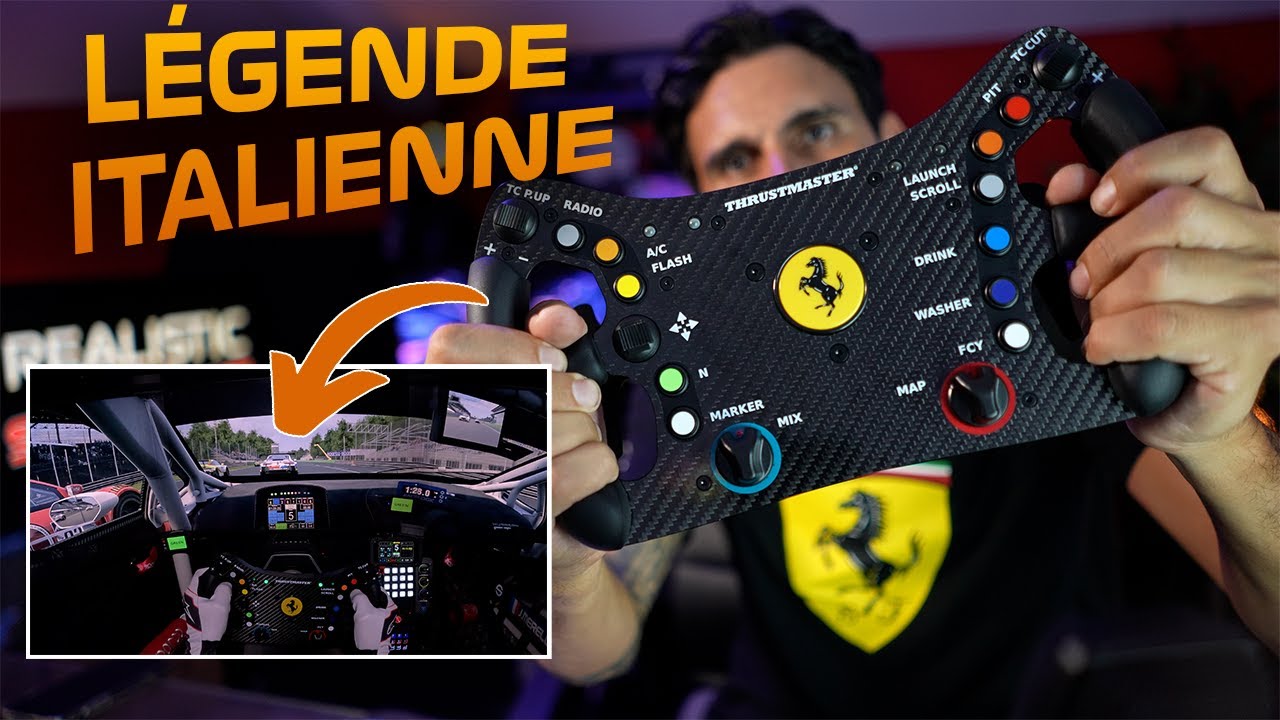
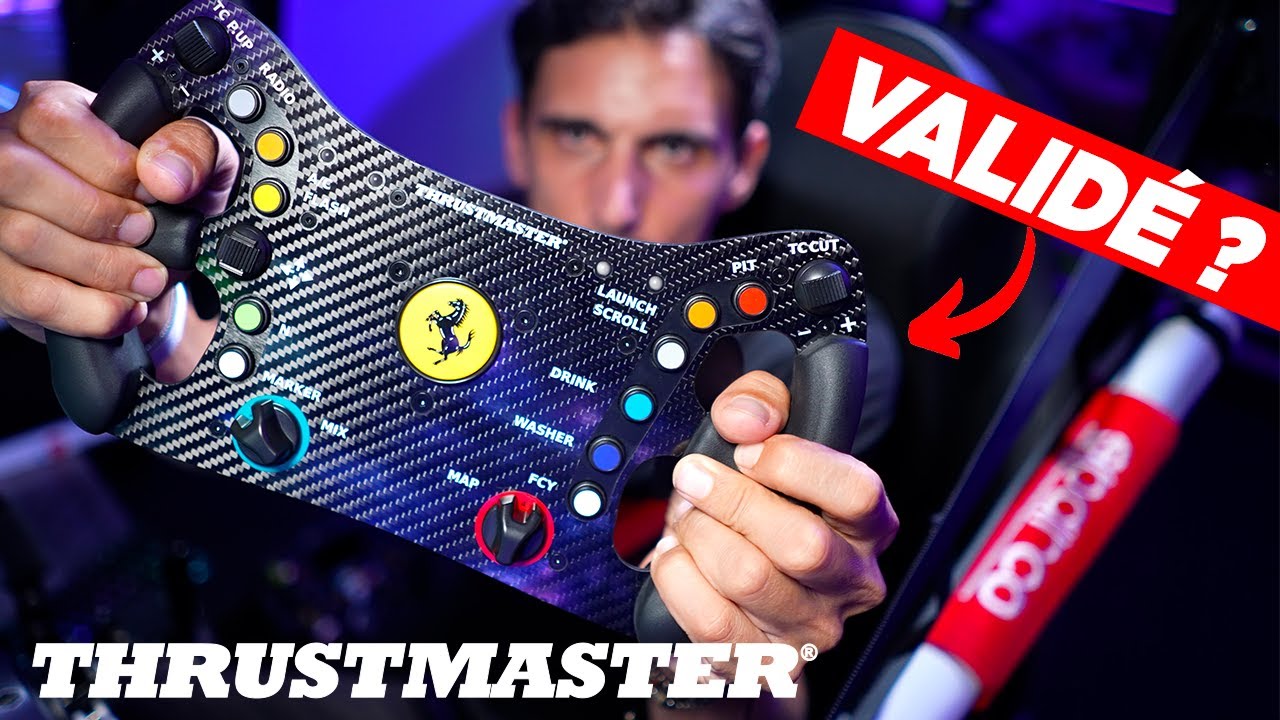
Wheel choice matters as much as wheelbase choice: shape, controls, paddles and licensed replicas can influence the decision. For third-party USB wheels, the MOZA connection supports various mechanical arrangements, with electronics connected separately.
The R9 V2 shown does not accept direct pedal and shifter connections at the rear of the base. PC connections therefore need to be planned. This observation concerns the compared version, not every MOZA product generation.
The steering stop makes a real difference
Resistance at the end of rotation depends on the software steering stop. On the tested T818, I find it too weak and cannot adjust it as I would like. In a hairpin, the wheel can seem to continue turning without clearly signalling the steering limit.
On the R9, the resistance is already more noticeable and can be adjusted. For me, this contributes to coherent driving feedback.
Extensive adjustment or a quick start
Pit House provides numerous parameters and profiles. I can personalise road effects and change settings in real time. That freedom is useful, but it can also consume a lot of time: the presence of a slider does not mean it must be adjusted.
The T818 takes a simpler approach. I enjoy its feedback quickly without much intervention, but there is less scope to increase or reduce particular effects to suit my preferences. This comparison therefore describes different control over the result rather than an absolute ranking of the sensations.
The Thrustmaster mobile application discussed adds adjustment options, but I find its setup cumbersome in the version shown. Changes are not immediately reflected in the PC interface. With MOZA, I still mainly use the Windows software rather than the phone application.
What we liked
- R9 V2: compact size, metal connection, shaft-extension options and detailed settings.
- T818: immediate usability and continuity with existing Thrustmaster wheels.
What we liked less
- R9 V2: potentially overwhelming menus and separate peripheral connections.
- T818: bulk, a weak steering stop and limited control of certain effects in the tested software.