DIY projects / 27 December 2023
SF1000: setting up UDP telemetry in AC and rFactor 2
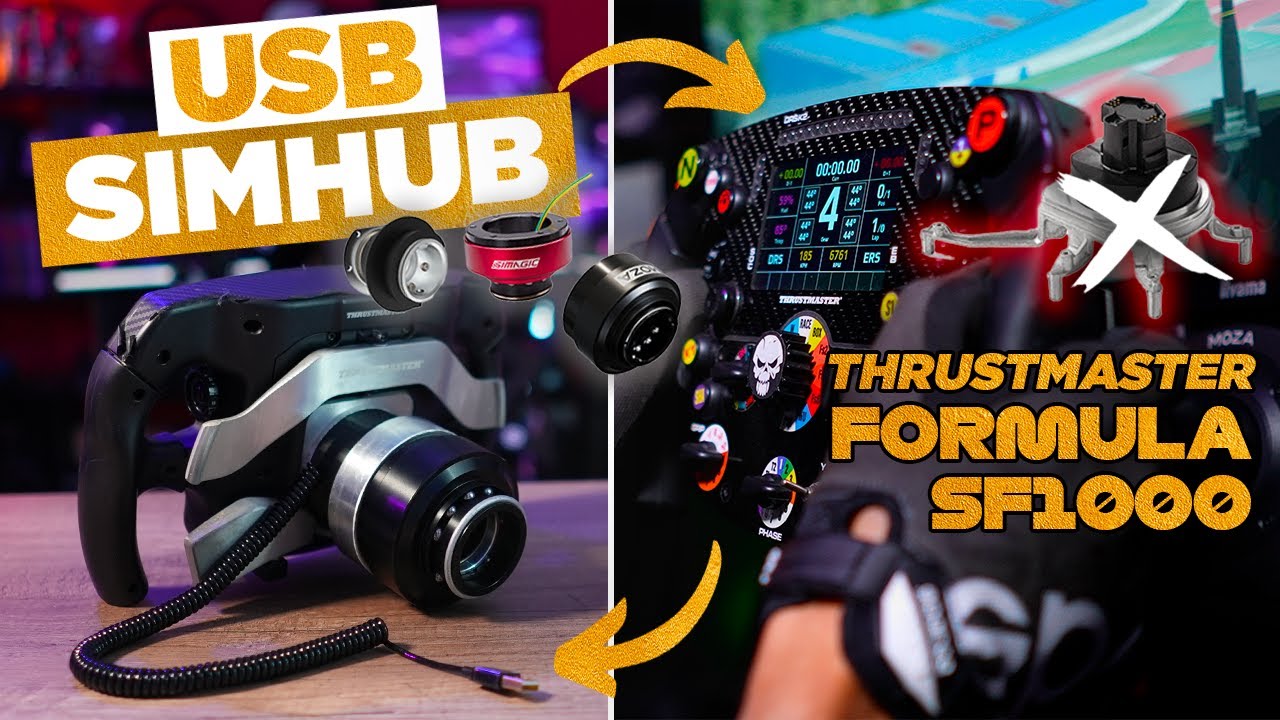
In this December 2023 tutorial, I configure the Thrustmaster SF1000 display to receive telemetry from Assetto Corsa and rFactor 2. The method uses the wheel's Wi-Fi connection and Telemetry Tool, shown here in version 13.1. The wheel first needs to join the network, then the software must forward the data in a UDP format the display can read correctly.
Connect the SF1000 to the network
I attach the wheel to the base, open its menu and enable Wi-Fi configuration. Using a phone, I join the wheel's temporary network and open its connection portal. This lets me select the local network and enter its password. The Thrustmaster guides accompanying the video explain this step for iOS and Android.
Once connected, the SF1000 displays its IP address. I keep it for the software setup. In my router, I reserve an address using the wheel's MAC address, avoiding another software change if its IP were reassigned. The address in my example belongs to my installation: each setup needs its own wheel's address.
Forward Assetto Corsa data
On the SF1000, I enable the Codemasters F1 2019/2020 UDP mode. UDP off must no longer be selected.
I extract Telemetry Tool, run its launcher and select Assetto Corsa. In Network settings, I choose the F1 2020 format and enter the SF1000's IP address as the destination. After saving, the software requests a restart.
On relaunch, information reaches the screen and I can cycle through the wheel's familiar pages. Telemetry Tool can also display driving data, including brake and throttle inputs, on another monitor.
Add the rFactor 2 plugin
rFactor 2 needs one extra step: copy the supplied plugin from Telemetry Tool's rFactor 2 folder into the game's 64-bit plugins directory. I then check that it is enabled in rFactor 2's settings.
I launch Telemetry Tool with rFactor 2 selected. The format remains F1 2020, and the destination address and UDP port must match the wheel. The software needs to stay running during use. After the initial configuration, subsequent sessions simply require launching it again.
What this setup covers
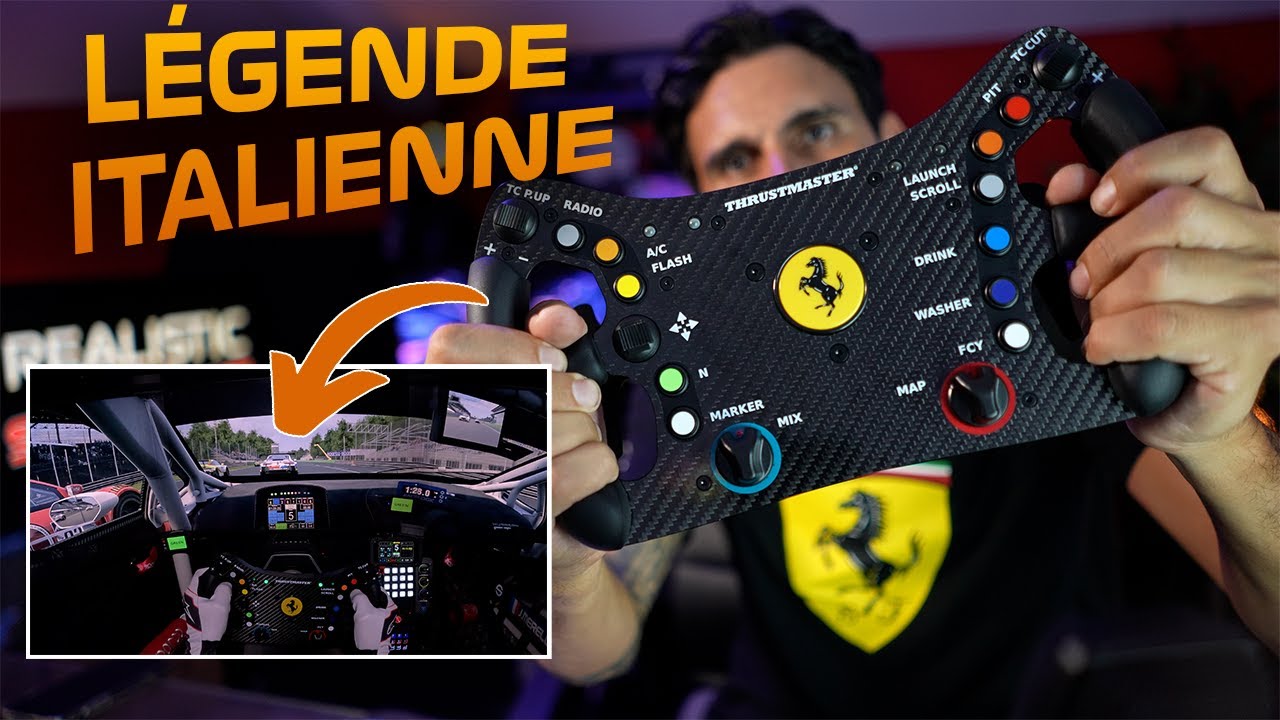
This method concerns the SF1000's network telemetry. In the context of the tutorial, it does not reproduce that behaviour on the Ferrari 488 GT3 or control the T818's LEDs. Those are different interfaces, even though the products come from the same manufacturer.
Join the discussion on YouTube