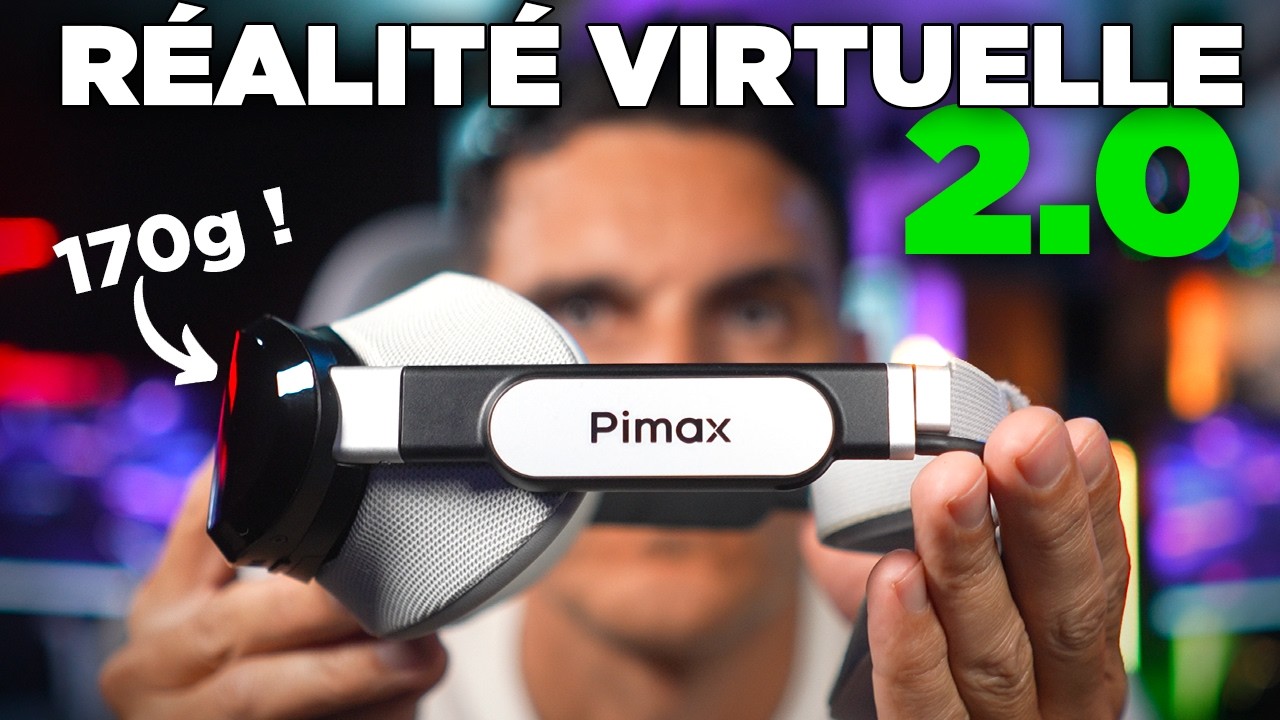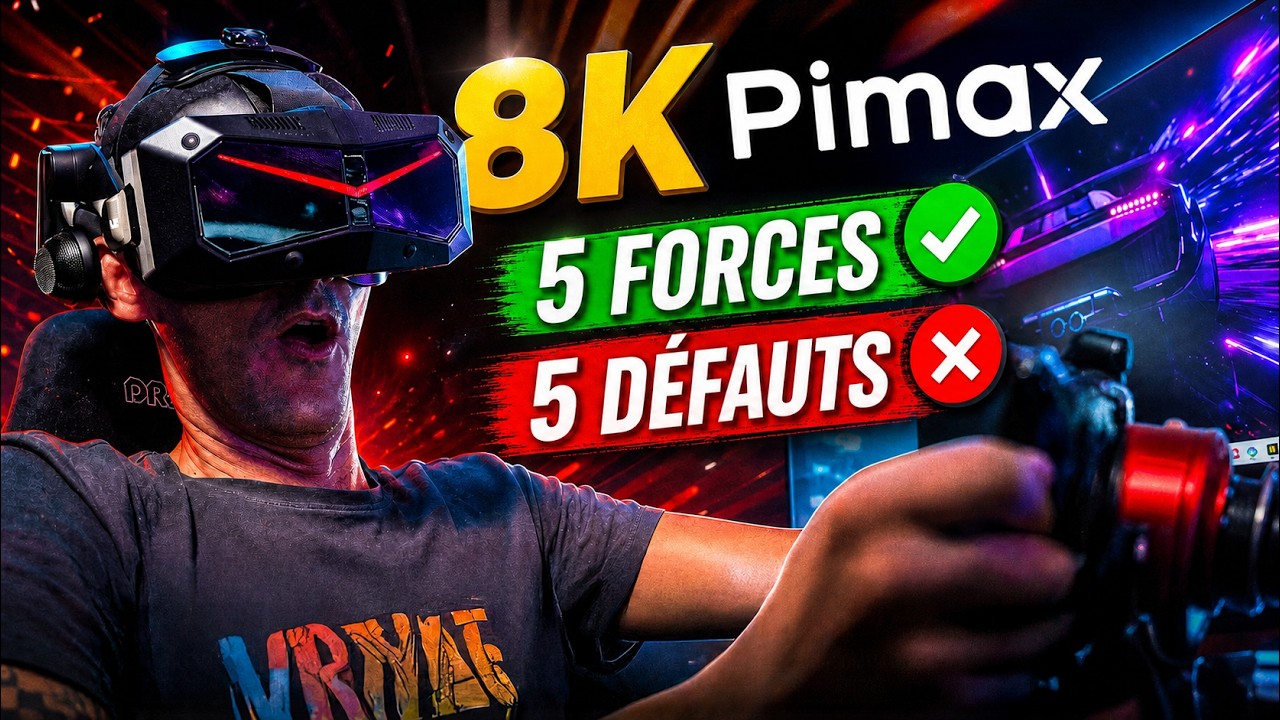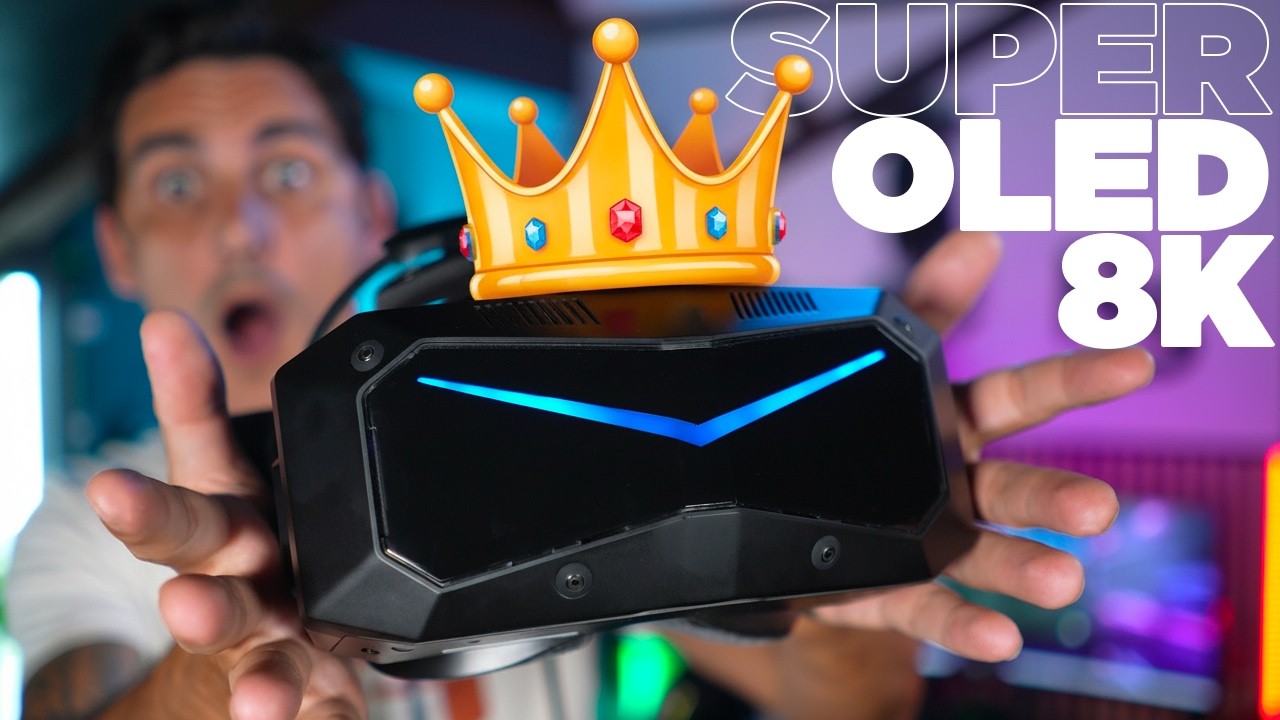
After trying the Quest 2 and then the HP Reverb G2, I left virtual reality aside for several years. The Pimax Crystal Light made me want to try again in simracing and Microsoft Flight Simulator 2024. After several weeks, I find the immersion very strong and installation straightforward on my PC, although there are specific limitations in visibility and clarity.
Why return to VR?
Wearing a headset is familiar to me from FPV drone racing. That experience accustomed me to the goggles, their warmth and straps, although watching a drone video feed is different from virtual reality. With the Quest 2 I tried in 2021, the feeling of being inside the car was immediate, but distant objects lacked definition. Signs, other cars and apexes became difficult to distinguish. The Reverb G2 improved the image without completely convincing me.
The Crystal Light therefore arrives in a specific context: I want continuity between my body, wheel, pedals and the displayed cockpit. This headset operates on PC through DisplayPort; I did not test it in the space simulations mentioned in the introduction.
Unboxing and fitting it into the cockpit
The box contains the assembled headset, controllers and their charging cables, plus the DisplayPort and USB cabling and power supply. Controllers are unnecessary when driving with my wheel and pedals. The five-metre cable provides room to reach the PC, but its weight needs consideration: I route it from above to reduce backward pull.
Four cameras handle positional tracking without additional stations. Lens spacing adjusts with a dial, with the value displayed in the headset and software. This makes restoring my setting easy after someone else uses it. The integrated headphones sound immersive enough that I do not add another headset; I did not assess voice chat.
The headband, strap and padding let me find a comfortable fit. I do not wear glasses, so my comfort experience should be understood in that context. Weight did not bother me, despite a slight rocking movement. However, the side wings of my seats restrict some head movements: that is a limitation of my installation worth anticipating.
Installation and initial settings
I connect DisplayPort to the graphics card, USB to a USB 3.0 port, then power. Pimax Play handles configuration and any updates. After briefly looking around the room to calibrate tracking, I could launch my simulations without lengthy preparation.
In iRacing, I select OpenXR. In Le Mans Ultimate, I launch VR mode through Steam. My essential adjustment is assigning view recentering to an easily accessible wheel button: one press positions the camera in the cockpit after putting on the headset. My previously configured driving controls remain the ones I normally use.
On my RTX 5080 PC, I mainly increased sharpness in Pimax Play. That setting substantially improved my initial impression. I do not present this ease of use as guaranteed on every computer: on my other installation with an RTX 3080, Flight Simulator requires more compromises between definition and smoothness.
In the car and in the air
Depth transforms the perception of the cockpit, other cars and distances. I feel better able to sense the car’s movements and aim naturally for apexes. In Flight Simulator, looking down adds another dimension: ground references help judge height and approach paths.
I appreciate the colours, brightness and sharpness of the road directly ahead. My question concerns the foreground: the wheel and dashboard appear less sharp until I lower my head to bring them into the centre. They remain readable, but the difference feels excessive. At the time of filming, I do not know the exact cause and do not decide between optics and software settings.
What I still value about triple screens
My closely positioned triple screens retain a wider peripheral view. Inside the headset, I notice dark edges and need to turn my head more to watch a passing car. VR therefore provides remarkable depth and presence without automatically replacing every advantage of my screens.
The connection remained stable throughout my tests, and the Crystal Light makes me want to continue. I have not yet tried the Quest 3 at this stage, so this is not a direct comparison between them.
What we liked
- Distance perception and the sense of being inside the cockpit.
- Connection stability and straightforward setup on my PC.
- The image straight ahead and comfort achieved without glasses.
What we liked less
- Less peripheral vision than my triple screens.
- Reduced foreground clarity without moving my head.
- The headset’s bulk against the side wings of my seats.