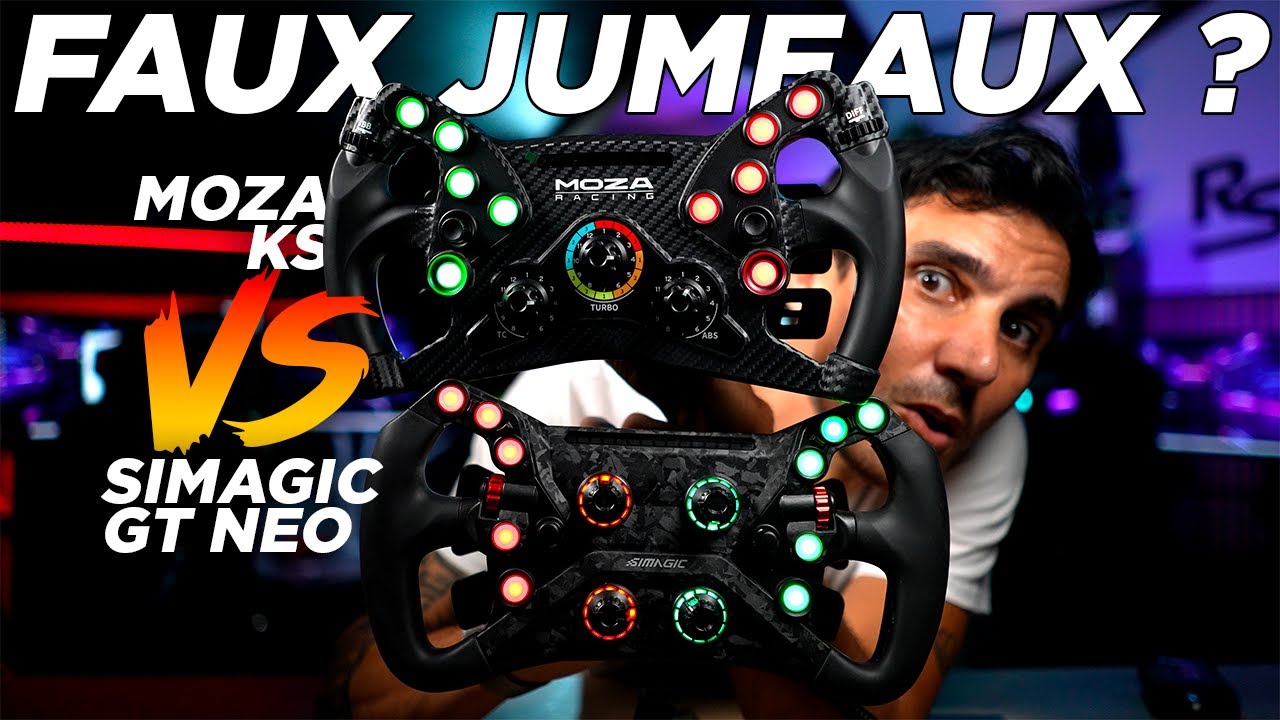
After several months with the GT NEO, it has become my favourite screenless wheel among those I use at this time. I have tried it on Simagic, Fanatec and Thrustmaster bases. Beyond its grip, its appeal comes from the many controls and the option of a USB connection. Here I cover ergonomics, MagLink installation and the customisation available through SimHub.
Construction and grip
The GT NEO measures 300 mm and uses a carbon-fibre-reinforced plastic composite. I find it rigid, well finished and balanced. Its weight remains suitable for bases that are not the most powerful. The quick release arrives installed for use on a Simagic base.
The rubber grips provide good purchase, but I find them slightly firm. When gripping tightly, I would like a softer material. Possible wear is raised in the video as a concern, rather than deterioration I have observed. Personally, I would also prefer a 31 cm diameter, although 30 cm works well for GT driving.
Buttons, encoders and paddles
There are ten illuminated buttons, two thumb wheels, four rotary encoders, rev LEDs and two pairs of paddles. Button travel is short and the controls are easy to reach. Stickers let you choose their functions, but the ability to rotate the buttons leaves slight play that I sometimes find noisy.
The magnetic paddles have a positive click and remain relatively quiet. Their position is adjustable; the original spacing suits me. The analogue paddles can be used separately or combined for the clutch. I also appreciate the wider collar on the D1-Spec quick release, which is easier to grasp when removing the wheel.
Installing MagLink and connecting to other bases
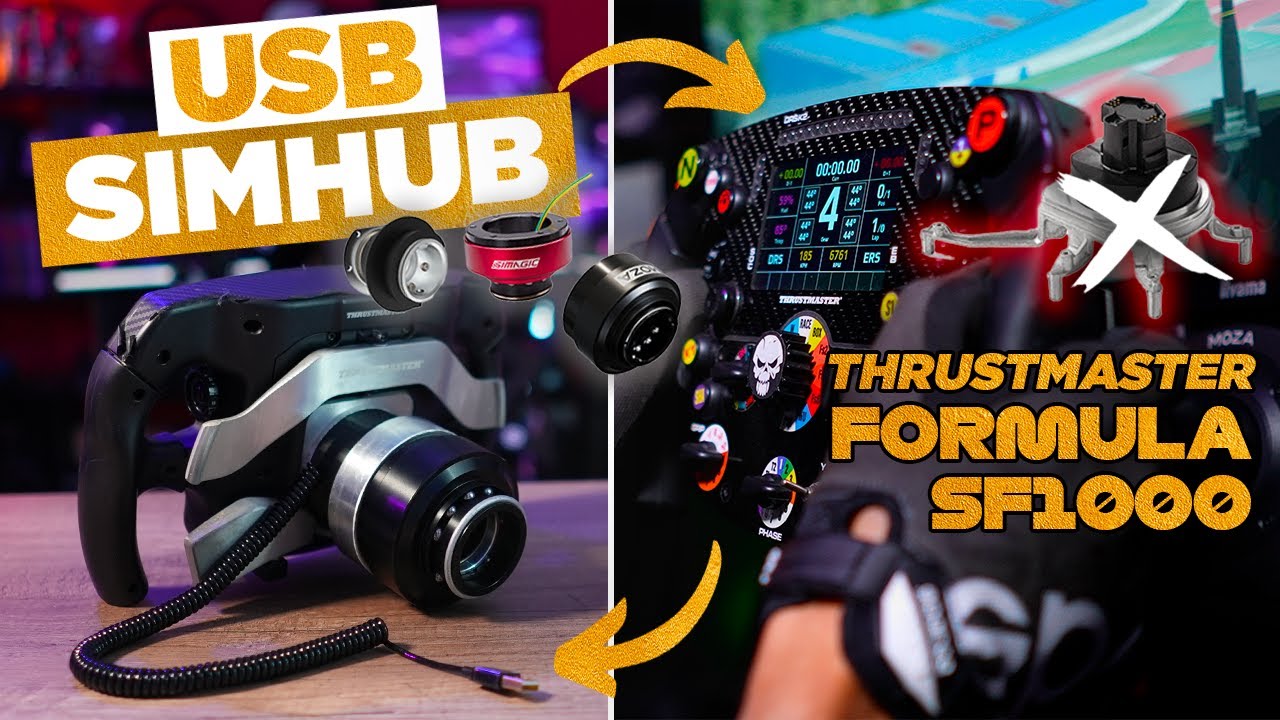
MagLink is a separate accessory, discussed at around €20–30 in addition to a wheel priced at approximately €369 during this test. The kit adds a magnetic USB connection and a plate suitable for quick releases with 50 or 70 mm mounting patterns.
To install it, I remove the four rear screws, disconnect the two small ribbon cables, then transfer the quick release to the MagLink plate. The removable plate makes the operation simple. The magnetic connector naturally fits in the correct orientation.
This opens up use on other bases, but their mechanical interface and any other requirements still need to be considered. With Fanatec, for example, I add the cost of the QR and a Podium Hub or SRM adapter. On a Simagic base, the wheel works directly and MagLink is optional.
SimPro Manager and SimHub
Pairing on a Simagic base has become straightforward with the button combination shown. Wheel updates are performed over USB. In SimPro Manager, I configure buttons, encoders, colours and lighting information: revs, flags or pit limiter. Car-inspired profiles reproduce their colours and rev-light progression.
In the version shown, colour-based position indication through a direct connection to Alpha bases only covers the two upper encoders. With SimHub and the plugin I use, the options go further: the rings can show pedal inputs, fuel, brake bias or traction control.
The rear USB-C port also works for connection to the PC. You can therefore try SimHub before buying MagLink, provided you avoid straining the port and cable as the wheel turns.
Impressions after several months
The GT NEO gives me a good balance of ergonomics, controls and customisation. Its value should nevertheless be judged with the full adaptation cost: the total changes depending on the base. My experience across three brands chiefly confirms the flexibility of an independent USB connection.
What we liked
- Rigidity, control placement and positive paddles.
- The easy-to-handle quick release.
- MagLink and customisable lighting information.
What we liked less
- Slightly firm grips and a little button play.
- Additional interface costs on some bases.