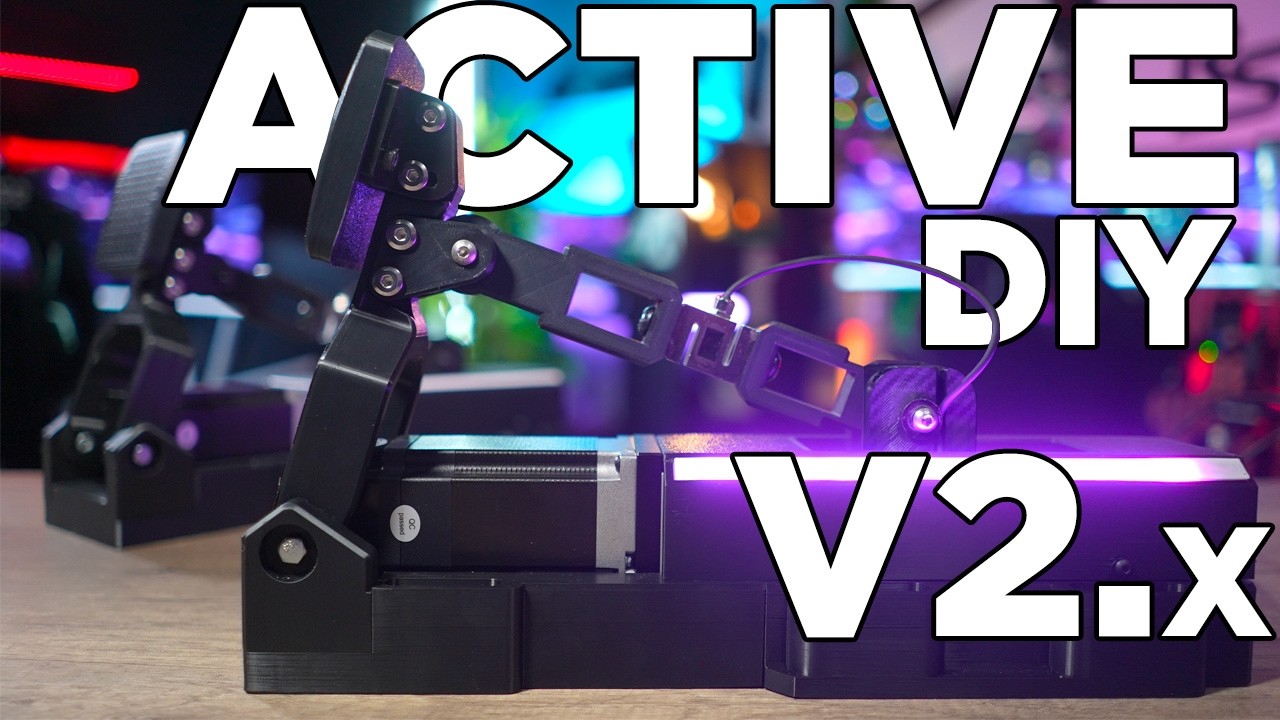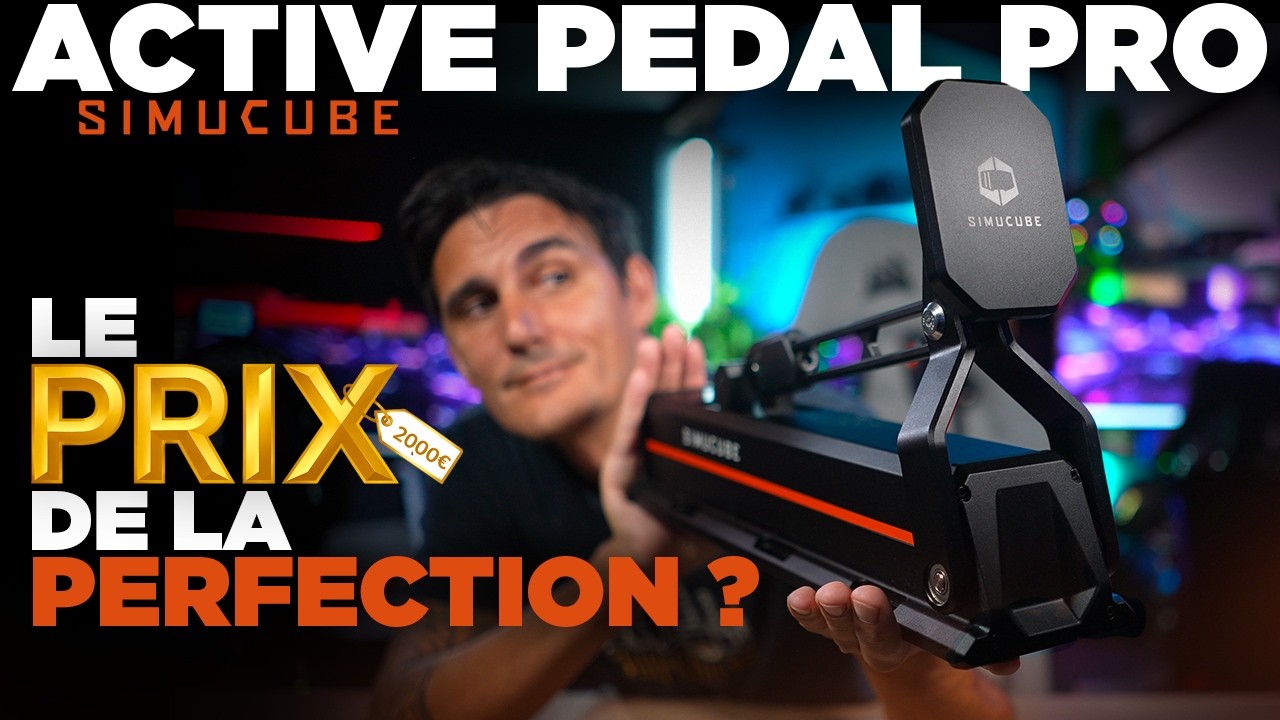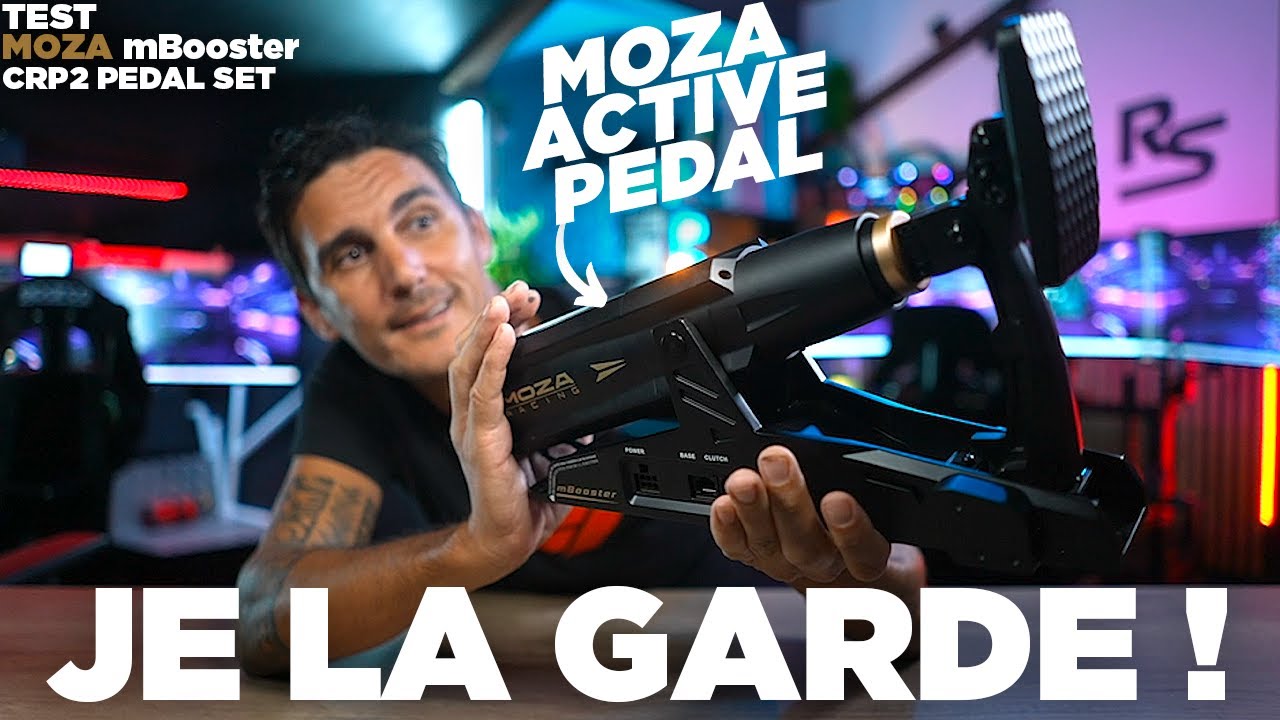
I brought together a DIY active pedal, a MOZA mBooster and a Simucube ActivePedal Pro to compare installation, settings and feel underfoot. Their budgets are very different, so I am not scoring them as though they occupied the same market position. I want to understand what each offers in comfort, software and freedom to build or customise.
Software changes how I use the pedals
All three solutions use a motor and a linear mechanism to make the pedal respond to force and configuration. I can change its starting point, resistance and available travel without leaving the cockpit to swap springs or elastomers. Having initially doubted the idea, I find all three experiences believable underfoot.
They do not feel identical. More of the guide mechanism’s grain reaches my foot through the printed DIY structure. The mBooster feels slightly more resistant at the beginning, which reminds me of a hydraulic response. The Simucube feels smoother. These are impressions of my examples, not friction measurements from a test bench.
Size, travel and heel support
Installation comes before software. These are long pedals, while some cockpit trays were designed for shorter passive models. A suitable base plate supports the assembly and helps establish the relationship between heel position and pedal face.
That is where the Simucube heel support impressed me. I obtain a natural ankle movement without sliding my heel, which lets me use more travel. I could not reproduce that position as easily with the MOZA plate I tested. This necessarily influences my braking assessment: I did not compare every pedal on an identical mounting plate.
Pedal-face height is adjustable on the Simucube and my DIY build, unlike the mBooster shown. The latter also provides a shorter movement range. I have left out the approximate travel figures mentioned while filming; the useful point is to check whether the available movement and geometry suit your foot and seating position.
Two curves that serve different purposes
I distinguish physical pedal travel from the signal sent to the game. The first determines where movement starts and finishes and how much effort I feel. The second determines what Windows and the simulator interpret as a command between zero and one hundred per cent.
Simucube presents this information together particularly clearly. In Pit House and the DIY SimHub plugin, the adjustments are separate. That is manageable once the profile makes sense, but the Simucube interface makes setup easier for me.
Existing profiles provide a starting point before I adapt them to the car. Telemetry effects have their own controls, and testing ABS without launching a driving session is useful when choosing intensity. The maturity of the software and effect behaviour explains much of my preference for the Simucube.
How they feel under braking
The ActivePedal Pro has my favourite ABS effect in this comparison. Its onset and variation feel more natural, with an immediate connection between the game and my foot. That is my perception, not a measured latency comparison.
The comfortable heel position also encouraged me to try longer travel, which helped me modulate brake release. The mBooster remains enjoyable: its pedal face feels convincing, and it can use pressure or angle sensing. I notice the difference from the Simucube mainly in ABS feedback and the ergonomics of my installation.
The DIY ABS sometimes convinced me less and occasionally failed to trigger. Build geometry, materials, firmware and configuration all affect the result, so my example cannot represent every version of the project.
DIY retains a particular kind of freedom
My build is interesting for more than its cost. In SimHub, I can adjust settings from a dashboard on the steering wheel. With two identical pedals and the required electronic bridge, I can switch from brake and throttle to rudder-pedal operation for flight simulation. That is especially useful in my hybrid cockpit.
This freedom comes with fabrication, setup and occasional troubleshooting. The commercial options are more straightforward to use but less open to these particular applications. I do not promise faster lap times with any of them: familiarity with the circuit and my own driving habits also change during testing.
What we liked
- Simucube: clear software, smoothness, ABS and heel position.
- MOZA: convincing behaviour and pressure or angle-based adjustment.
- DIY: customisation, SimHub dashboard control and rudder mode.
What we liked less
- The Simucube’s higher cost and the accessories needed for the installation.
- The MOZA’s heel position and more limited travel in my setup.
- Mechanical grain and the development work required by DIY.