Reviews / 7 July 2025
LeoXZ XGT Ultimate: reviewing the wheel with a SimHub display

I bought the LeoXZ XGT Ultimate after being drawn to its shape and SimHub-compatible display. Several months later, I wanted to explain what works well in everyday use and what is less enjoyable: paddle noise, encoders and the USB connection. This review covers my PC use with the four-paddle model and a Simagic quick release.
Fitting a third-party wheel to a base
The XGT Ultimate is not tied to a single wheelbase brand. Its open 295 mm shape suits GT driving for me while remaining versatile enough for single-seaters. The 4.3-inch screen is the main reason I chose it: I want to use my existing SimHub dashboards and change them freely.
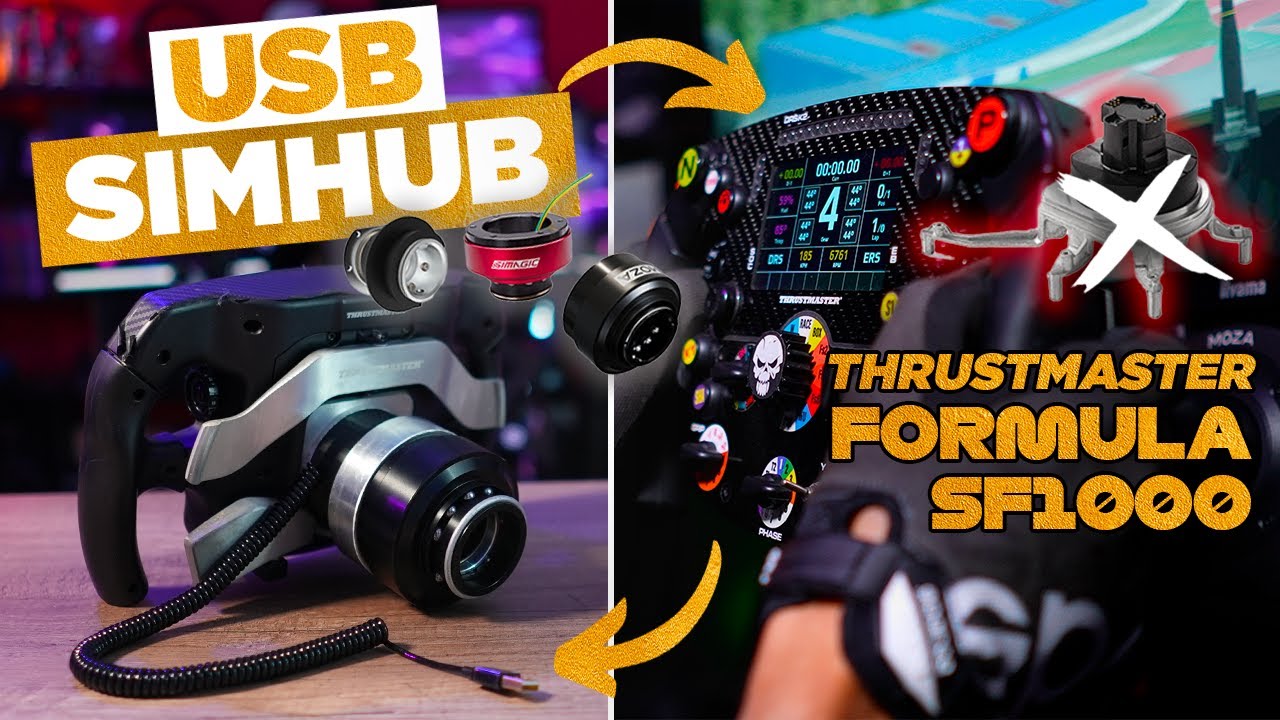
The quick release needs to be considered when ordering. Mine arrived fitted, but the appropriate connection can also be installed separately. The video shows access through the front and the care required around the GX12 connector wiring. Mechanical attachment and command transmission are separate matters: fitting a wheel does not automatically connect its electronics.
Direct USB and connection options
In my setup, a coiled GX12 cable connects the wheel to the PC. I experienced dropouts with some hubs, then obtained more reliable operation through a direct connection. A firmware update also improved USB stability during my ownership.
LeoXZ offers a wireless option when power can be supplied through the quick release. I explain this option and its backlighting limitations, but my stability experience here concerns the wired connection. Adapters that carry USB through the wheelbase provide another way to reduce external cabling.
Fanatec compatibility also requires separating different configurations. A specific adapter can emulate wheel commands, with limits associated with the available button count. I did not test the console combination discussed in the video, so that section is not my personal validation of every PS4 or PS5 mode.
Grip and controls
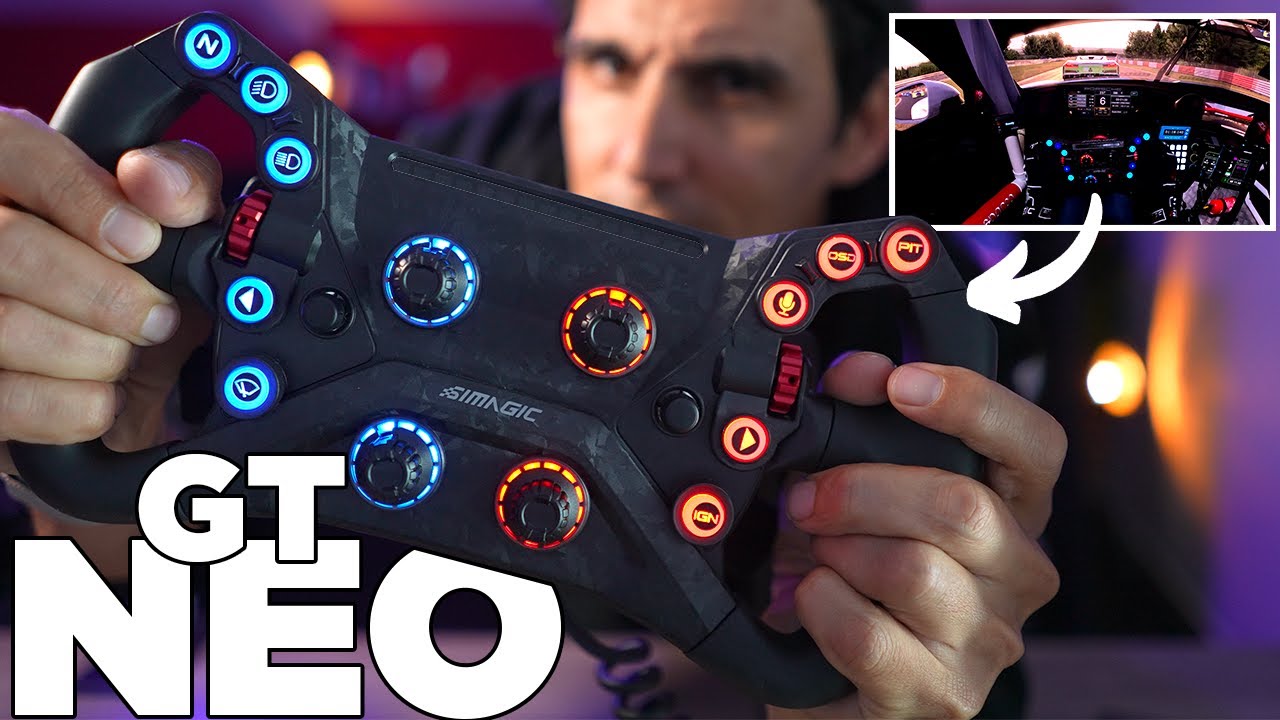
I like the understated carbon front without a large manufacturer logo, and the wheel feels rigid. The grips leave room for my thumbs, and I did not accidentally operate the thumb encoders while driving.
The illuminated buttons have a gentle click. Two multidirectional controls and numerous encoders provide room for driving functions as well as page changes or PC volume. Their layout generally suits me, and small raised features help locate controls by touch.
Some details are less successful. Depending on my grip, part of my palm can reach an area with less grip coverage. The plastic rotary knobs do not all feel as firm as I would like. Their lighting provides a colour rather than an easily readable absolute position. The grips on the example shown are not interchangeable.
Display and SimHub setup
I install the LeoXZ SimBridge plugin in the SimHub folder, then configure colours, LEDs and button functions. The software needs to be running to manage the display and lighting as intended; the wheel is not simply an independently illuminated ornament when placed on a shelf.
The screen is bright and responsive enough for the dashboards I use. I can switch from a comprehensive page such as Lovely Dashboard to a simpler display. In a GT3 car where the virtual instruments are already visible, I sometimes prefer a logo or additional information instead of duplicating the same data.
I appreciate this flexibility more than a screen restricted to manufacturer-selected pages. Depending on the dashboard, I can view fuel consumption, tyres or time remaining, then change the layout as my needs evolve. Telemetry LEDs and buttons are configured in the same environment.
The paddles remain the loudest part
My version has two shift paddles and two clutch paddles. The carbon contact feels pleasant, but the shifts produce a distinct clack. The clutch stop is audible too. That noise and the firm click are my main reservations, especially in a shared room.
Spacers adjust the distance from the grips without allowing the whole mechanism to be repositioned freely. I mention adding foam to reduce the noise, but in this video it remains an idea rather than a tested modification.
What we liked
- The SimHub display, its brightness and the freedom to customise it.
- Rigidity, the understated carbon face and control layout.
- The equipment offered for the budget of my purchase.
What we liked less
- The loud, firm paddle action.
- Plastic rotary knobs and no lighting-based position indication.
- Fixed grips and the USB connection precautions needed in my installation.