After reviewing the Cammus C5 hardware, I turn to settings in six simulations: EA Sports WRC, iRacing, ACC, Assetto Corsa, F1 and Le Mans Ultimate. This March 2025 session brings together the profiles I refined and my impressions while driving. The aim is to keep the steering informative on a 5 Nm base, with effects and calibration adjusted for each game.
Start with the Cammus software
The parameter page provides strength, rotation angle, damping, friction, inertia and centring spring controls. Local profiles keep individual experiments, while the recommended-profile section provides shared settings when signed in. I apply the relevant profile before testing, then check the controls inside the game.
The files I share are starting points. They can also be imported locally without signing into the catalogue. There is no single final setting for every car: available torque, requested effects and driver preference all require compromises.
On this base, I particularly watch situations where steering load and vibrations demand substantial force together. Filtering changes how that feels, but does not create extra torque. For the end stops, the middle setting suits me better than the hard option, whose rebound I dislike.
EA Sports WRC: reduce one effect without emptying the steering
I use my “EA WRC 2025” profile. The game lists the C5 as both a wheelbase and a steering wheel: I assign buttons on the wheel device and adjust vibrations on the base. A button acts as the handbrake, while the paddles handle gear changes.
I mainly reduce tyre-slip vibration. My intention is to stop it adding too much demand on top of steering effort in hairpins. I retain the other information that helps me read road edges and surface irregularities.
A familiar stage makes comparison easier without also learning the route. In the run shown, I can still feel the differences between either side of the road and smaller bumps. The force losses I anticipated do not happen consistently: I mention a slight variation, but several hairpins pass without a clear collapse in feedback.
iRacing: calibrate, then monitor force
I load the 540° profile and calibrate iRacing's steering to the same angle. In this example, Wheel force is set to 5 Nm and Strength to 14. These are the demonstration values, rather than instructions to copy regardless of the car.
The force-feedback meter displayed during the session helps monitor behaviour on track. I find the effort sufficient and do not notice troublesome saturation over the kerbs shown. However, the 28 cm wheel is small for my usual GT preferences: I generally prefer a larger rim for this type of car. Software adjustments cannot change that ergonomic difference.
ACC: balance steering resistance and vibration
For Assetto Corsa Competizione, I switch the Cammus profile to 900°, leaving some margin below maximum base power. Autoconfiguration helps assign the wheel and paddles; I map my Fanatec pedal axes separately.
For this run, I keep the game's gain at 100% and add 50% road effects to suit my preference. That control should be revisited if vibration becomes excessive. Software friction and inertia offer further ways to adjust the feel.
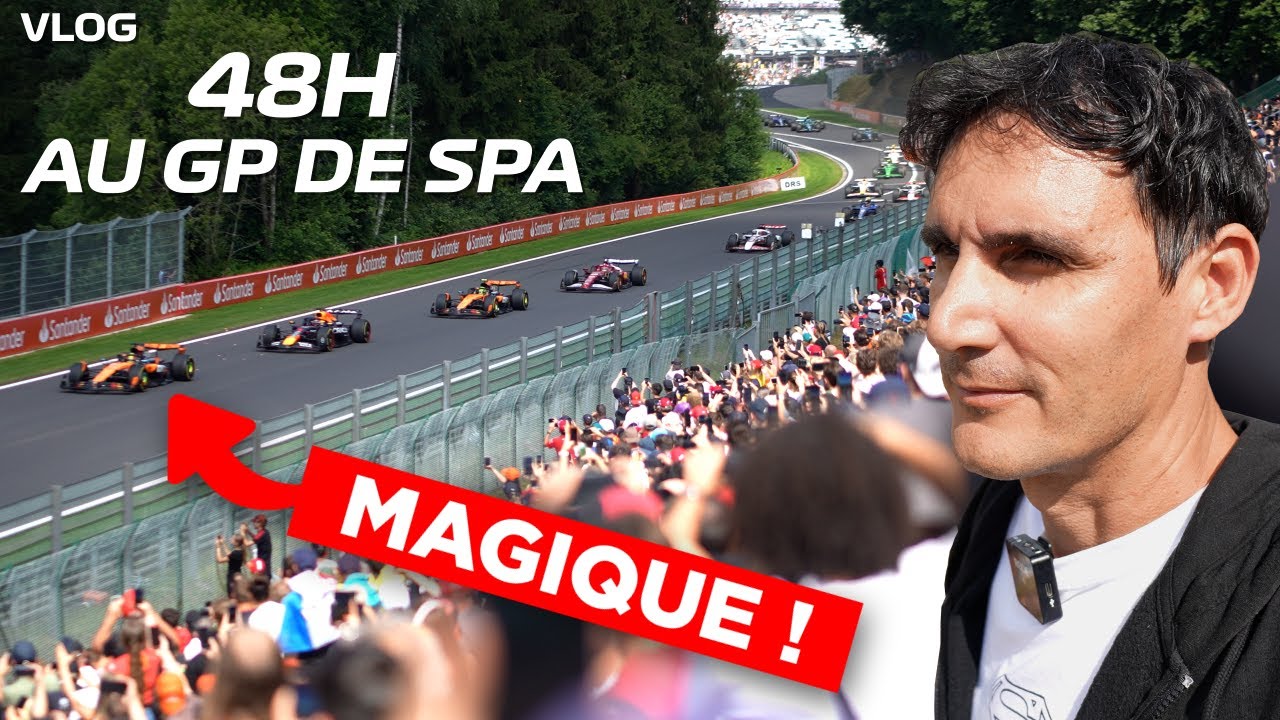
At Spa, kerbs, braking and load changes already create noticeable work in my arms. I sometimes approach the C5's limits, without completely losing steering feedback in the sections shown. A stronger base has more reserve, but I already enjoy driving with this compromise.
Assetto Corsa and F1: watch the centring behaviour
Assetto Corsa contains too many different cars for me to call one profile optimal everywhere. In Content Manager, I check axes, gears and rotation angle, then keep Game spring and Idle spring low. Friction and inertia can be adjusted for the chosen car. The steering feels smooth and responsive, but it returns to centre too quickly for my taste in this test.
The F1 profile uses 80% power, 360° in both the software and game, and Game spring at zero. I get resistance and vibration without using all the available force. Fast centring remains my main reservation. At Monaco, I also discuss a shorter rotation angle to help with hairpins: that is a situation-specific adjustment, which should remain consistent between both sets of settings.
Le Mans Ultimate: wait for the tyres and manage the grain
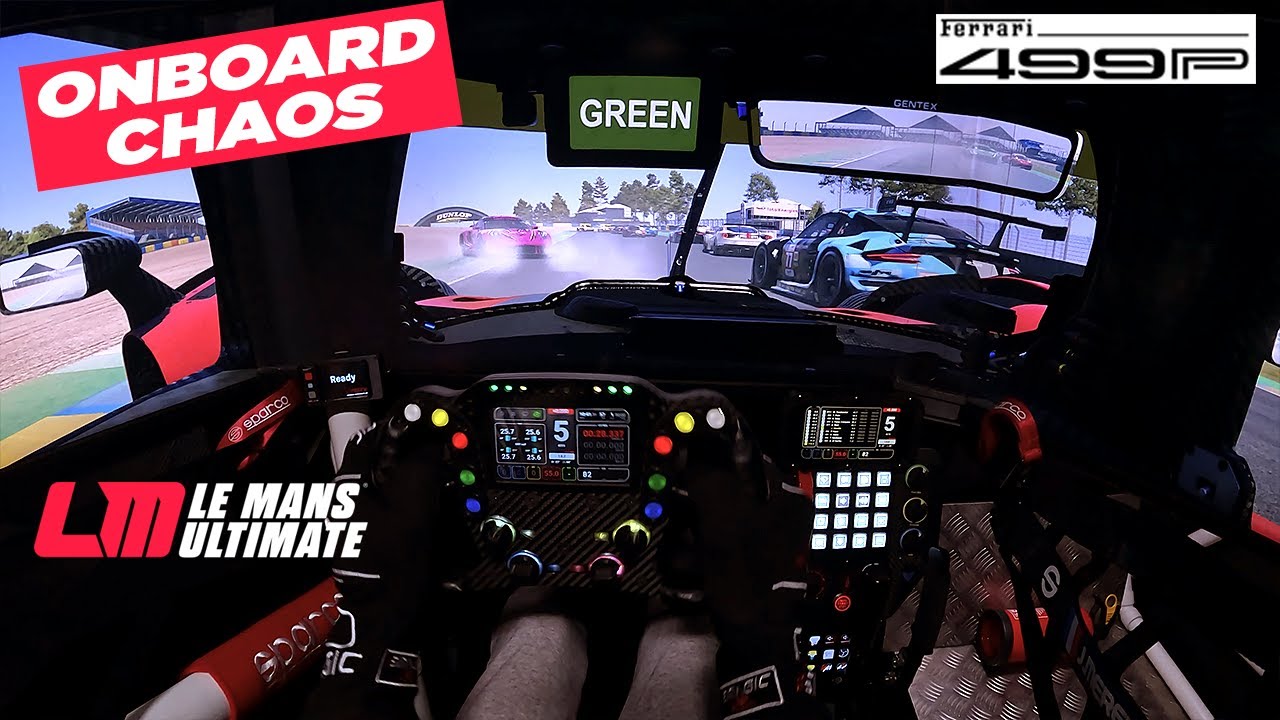
My 2025 LMU profile uses inverted force feedback, 900° rotation and maximum base power. I then check axes, paddles and pedal calibration in the game. Several laps are needed before judging the result, as the feel changes with tyre temperature.
Kerbs and car movement come through clearly, without a complete loss of feedback in the sections I describe. However, some vibrations are too sharp, grainy and audible. I would like to reduce that detail while retaining steering resistance, but cannot separate the two sufficiently with these settings.
Join the discussion on YouTube