After two months with the MOZA mBooster and CRP2 set, what stands out most is how comfortable I felt from the first laps. The active brake matters, but the baseplate, heel support and throttle contribute just as much to that impression. The equipment was supplied without compensation and the video is not sponsored. My assessment concerns the software version shown in this test, which had already changed since launch.
Why move to an active brake?
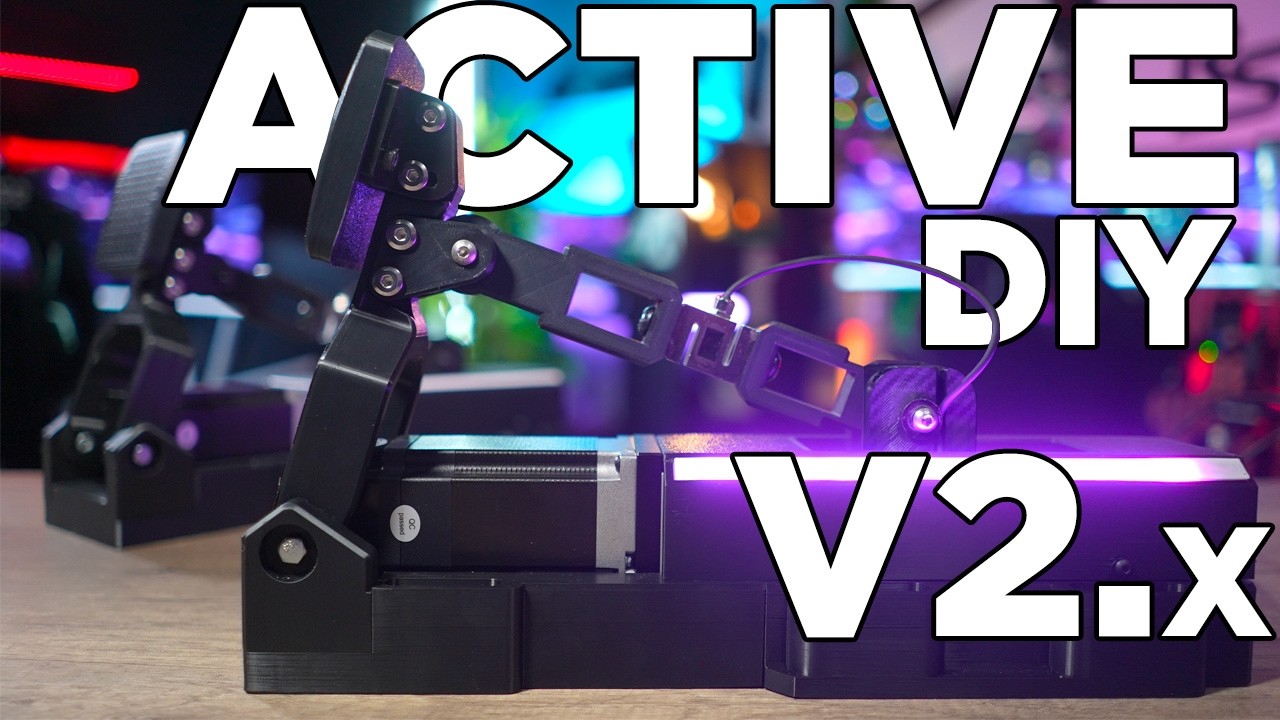
I have used conventional pedals, load cells, hydraulics, haptic motors and a DIY active pedal. Several of those solutions required hours of adjustment and mechanical changes to find the right compromise. With the mBooster, the main difference was finding a pleasant feel quickly, after adjusting the pedal faces and my heel position.
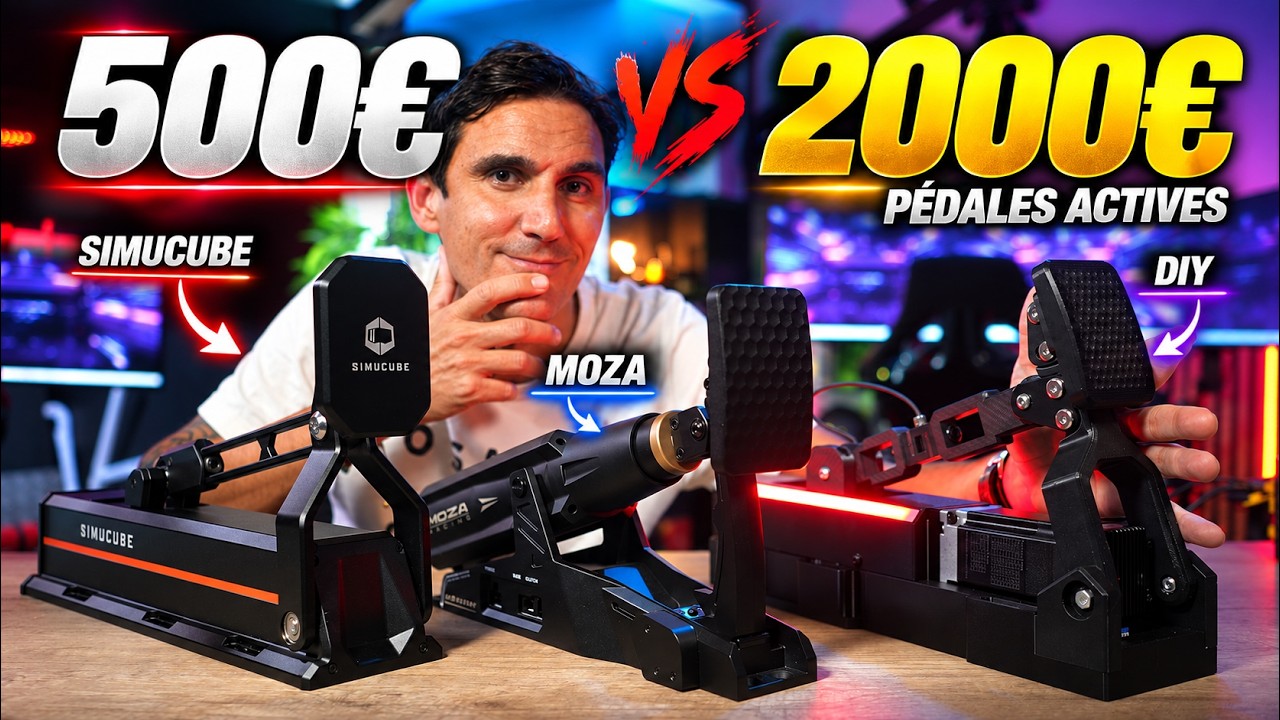
At the time of this test, the set with the CRP2 throttle cost €1,099, compared with €899 for the mBooster alone. I had never tried the Simucube Pro or Ultimate at that point: my direct comparisons therefore concern my DIY pedal experience and are not a head-to-head test against Simucube.
Unboxing, connections and installation
The box includes the active pedal, mechanical throttle, a 240 W power supply, cables, hardware and the baseplate with its extension and heel support. The mBooster is mainly aluminium, with a small plastic cover. Its mounting points also allow a separate installation alongside another brand’s throttle.
The throttle connects to the mBooster, which brings the connections together, and the set then connects to the PC over USB. Another mBooster would need its own power supply. Some rear bolts are difficult to reach, making the supplied wrench useful.
The pedal deck on my Trak Racer TR80 is short, so I used the M6 threads accessible from underneath. The RSeat A1-160 has two adjustable rails, allowing a different installation. There are four heel-support positions; choosing the right distance changes the leverage underfoot and contributes greatly to my comfort.
Throttle and brake construction
The CRP2 uses an angle sensor and a spring with adjustable resistance. The face tilts and the stop lets you change travel, although I would have liked more range in that adjustment. A friction noise concerned me initially, but I cannot hear it while driving. Returning against the stop can also be noisy if the pedal is released abruptly.
The brake combines a motor, lead screw, two load cells behind the face and an angle sensor. The software lets you choose the contribution of the different measurements. I particularly like the metal face, its contact and its grip. It is the connection to your foot, and its shape makes a real difference to how the pedal feels.
On my unit, I notice a slightly less smooth point at the very beginning of movement. I therefore prefer to start the travel range a little further along. A small mechanical texture remains, as with other active pedals I have handled, but it does not bother me while braking.
Pit House: separating feel from the input sent to the game
Pit House separates physical feel, simulator input mapping and force-feedback effects. That distinction is useful: I keep the mechanical response linear and then shape my curve in the game input mapping. This lets me reach a high braking level quickly while retaining some travel underfoot.
My preferred force is around 28–30 kg. I drive in socks and want a progressive pedal rather than maximum resistance, so the high available settings are not a target for me. Travel, limits and damping can all be changed from the seat; I slow the return slightly and retain a little room to push at the end of travel.
I keep added friction low and prefer a dead zone in the input curve so I can rest my foot without braking. Some preload or damping settings feel too artificial for my taste. The supplied profiles suit me less well than my own setup. Assigning a profile to a game, however, makes automatic loading convenient.
Effects and the software version
I mainly keep ABS enabled, at 10% intensity. I want to feel it activate without being encouraged to release too much brake or become distracted from my line. Engine, wheelspin and gearshift vibrations do not interest me in this pedal.
At the time of this assessment, Le Mans Ultimate ABS was not supported. A vibration triggered at a brake-input threshold can provide an indicator, but it does not represent the game’s actual ABS. That is an important limitation of this version.
The idle sleep setting stops the ventilation noise; set to one minute, it works during the demonstration. I also install the available official firmware and recalibrate. On track, the feel remains close to the beta version I used previously.
Driving and overall impressions
On both my cockpits, I easily find a comfortable position and repeat my braking with confidence. The complete installation matters as much as the brake technology: a well-positioned heel, a pleasant pedal face and an accessible throttle. With my usual settings, the pedal does not feel robotic.
What we liked
- Quickly finding a comfortable setup and the quality of the contact underfoot.
- Physical-feel and software adjustments available from the seat.
- The baseplate, heel support and throttle working well together.
What we liked less
- Limited adjustment range for the throttle stop.
- No ABS support in Le Mans Ultimate at this stage.
- Some effects and presets feeling too artificial or too strong for my preferences.