The QR-A lets a third-party wheel send USB through a Simagic Alpha EVO base instead of keeping a long cable between the wheel and the PC. I fit it to my LeoXZ XGT Ultimate, then try a shorter GX12 cable made for this installation. The benefit is practical, but mechanical fit, power and data transmission need to be considered separately.
Understanding the USB route
The Alpha EVO has a USB connection for its own operation and a second connection dedicated to carrying USB through the shaft. The QR-A completes that route: its USB-A socket receives the wheel cable, then the contacts carry power and data through the base.
In practice, it behaves like a USB extension built into the attachment system. The third-party wheel is still managed by its usual software; the QR-A does not turn it into a wheel using Simagic’s proprietary protocol. That is exactly what interests me for wheels with displays or USB electronics.
This differs from MagLink, which lets certain Simagic wheels operate over USB on other bases. Here I am doing the reverse: fitting another manufacturer’s wheel to an EVO base using the base’s USB passthrough.
Fitting it to the LeoXZ
The box includes the quick release, instructions and a USB-A-to-USB-C cable. The QR supports the common 50 and 70 mm mounting patterns. I reuse three M5 screws suited to my wheel; the fasteners required for this installation are not included in the demonstrated kit.
The XGT Ultimate is fastened from inside. I therefore open the wheel, align the QR’s top marker and reconnect the GX12 wiring to the board afterwards. Other wheels may allow access from outside: this depends on the wheel, not just the quick release.
First I try the LeoXZ’s supplied coiled cable, wrapped around the QR and plugged into its USB socket. The wheel lights up and works. The cable is still excessive for such a short distance, even though it does not obstruct the paddles in my demonstration.
Why I made a shorter cable
I had not found a GX12 cable short enough for this installation. I prepared a dedicated cable using the wheel’s connector type and a USB end. Once fitted, it avoids accumulated loops behind the rim and makes wheel changes tidier.
The video demonstrates the principle and result, not a universal wiring diagram. The colours on the internal harnesses do not consistently match familiar USB conventions. I therefore cannot identify a wire’s function from its colour alone: the pinout of the actual board and connector is required.
That is also why the LeoXZ arrangement should not simply be copied to a GSI, Cube Controls or DIY wheel. A connector can look identical while its contacts or internal connections differ. The relevant information is the pinout for the exact model.
Internal connections remain a development option
I present another possibility for wheels with a dedicated internal USB connection: use an appropriate harness while retaining the GX12 for other applications. A cable could then emerge near the QR and remain very short.
However, my prototype contact board did not work in the tests shown. I present it as an ongoing project, not a finished alternative to reproduce. The validated installation in this video remains the commercial QR-A with the cable adapted to the XGT Ultimate.
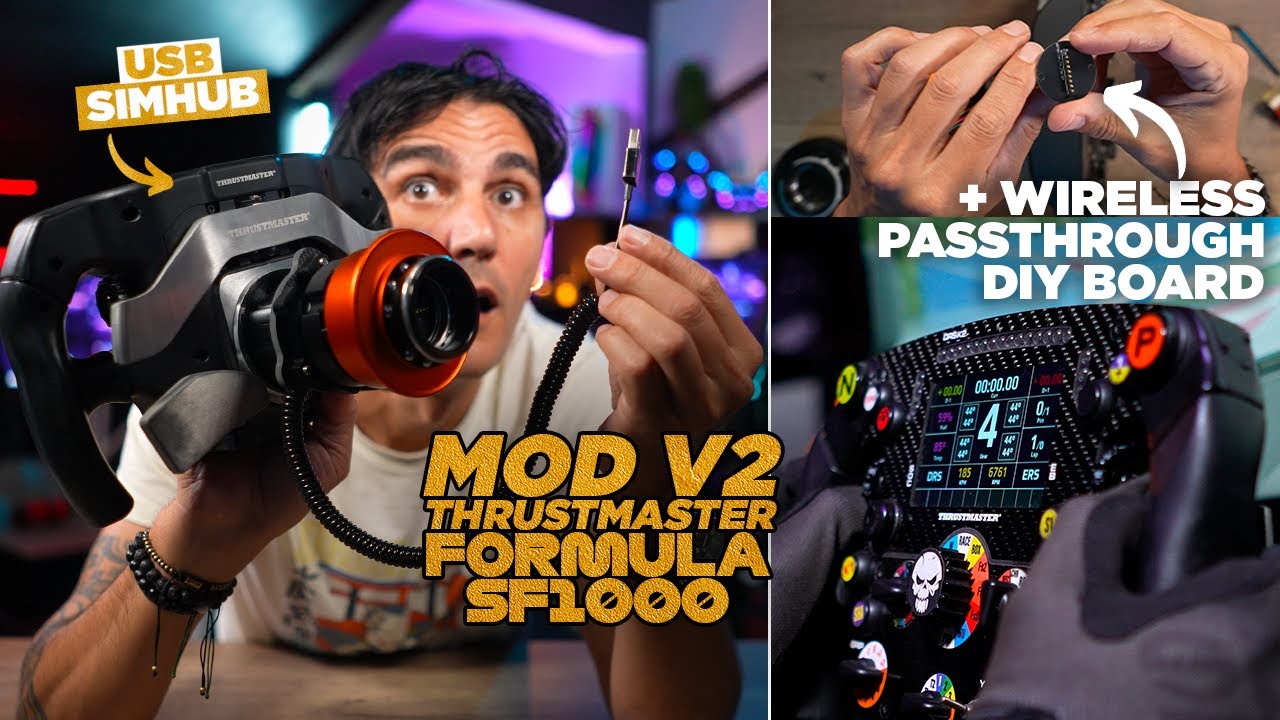
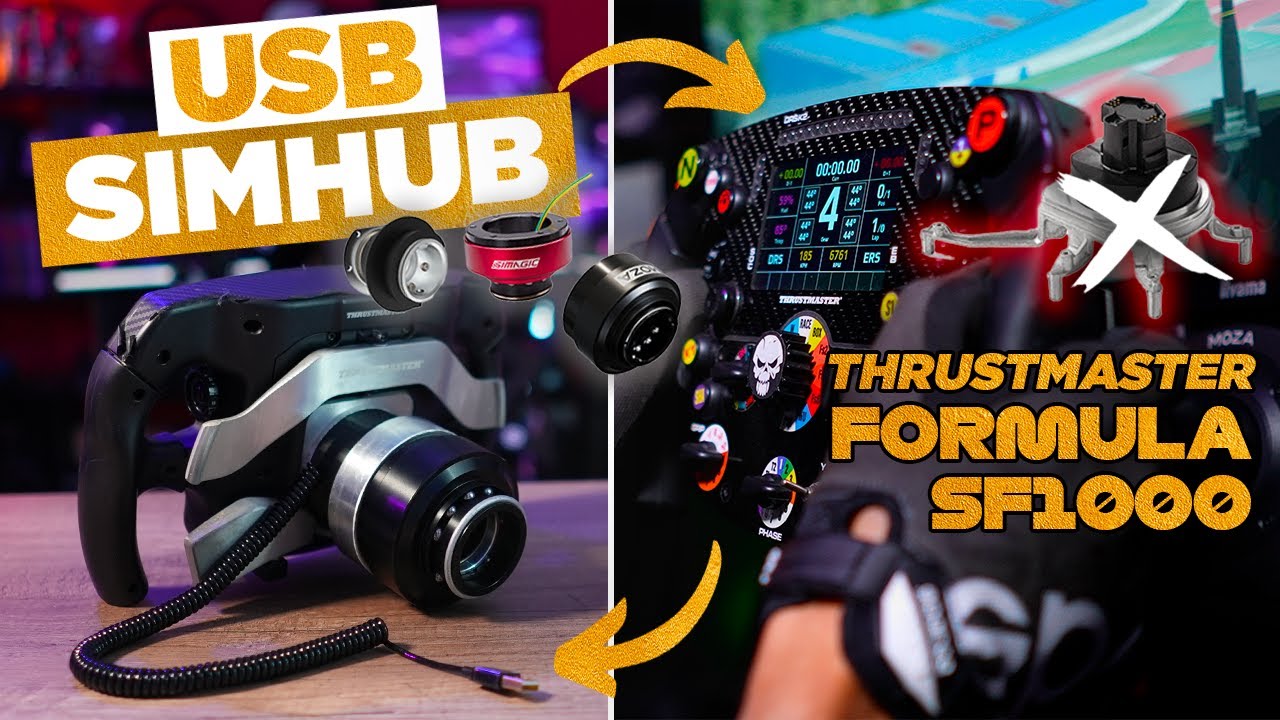
I also show a USB-modified SF1000 to explain a future application. Replacing its quick release is planned for later; it is not a second completed installation in this tutorial.
Checking the correct base generation
Older Alpha, Alpha Mini and Alpha Ultimate bases may accept a mechanically compatible attachment, but they do not transmit USB in this way. The QR-A does not add that capability. Likewise, a similar-looking fitting on another brand’s base does not establish electrical or data compatibility.
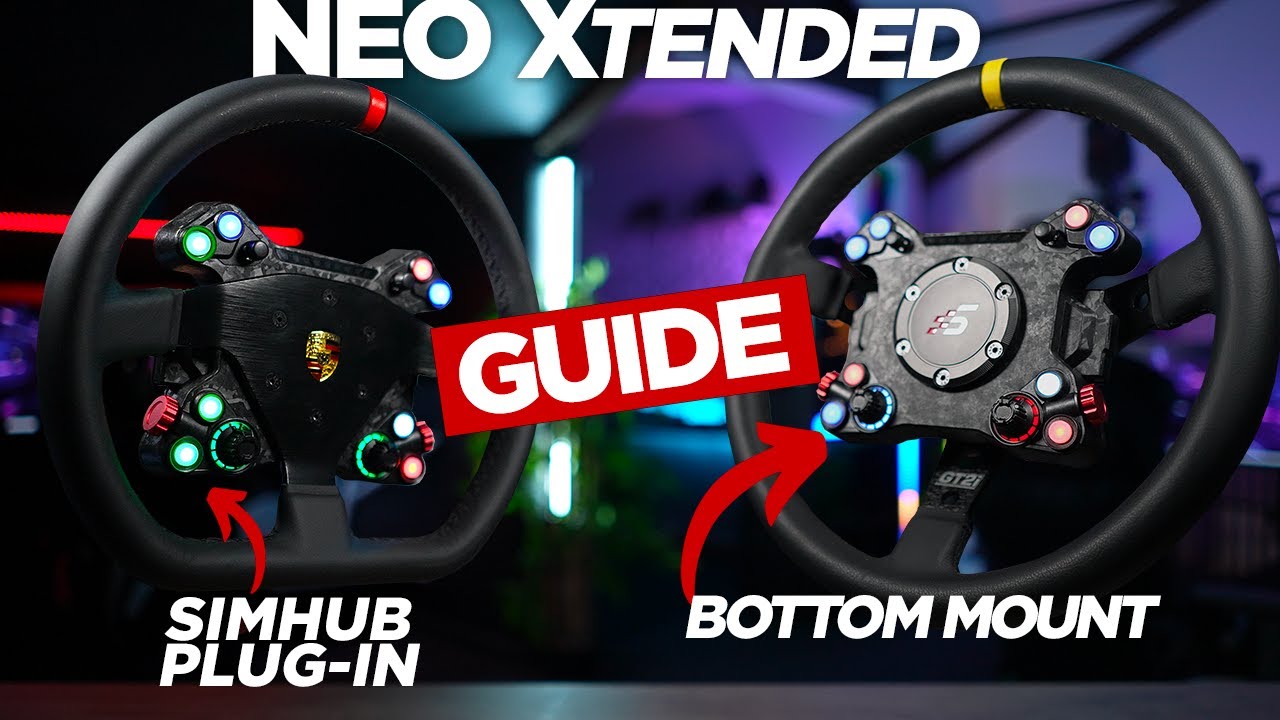
The GT NEO and NEO X mentioned in the video have their own compatibility arrangements. Here, the QR-A mainly serves third-party wheels; I am not presenting it as a necessary purchase for every Simagic wheel. The settings and updates discussed reflect the software situation when the video was filmed.
What I take from the installation
I appreciate the finish, the grip on the release collar and, above all, removing the long moving cable to the PC. The QR-A is not essential if your existing cable works comfortably. It becomes useful when buying a USB wheel without an adapter or when cable management genuinely causes problems. An appropriately sized harness and a compatible route from wheel to base still need to be planned.
Join the discussion on YouTube