I show you how I set the field of view across three screens, then adjust the camera position inside each car. This July 2023 guide covers iRacing, Assetto Corsa Competizione, Assetto Corsa, rFactor 2 and the F1 games. The figures belong to my own setup: the aim is to understand what to measure and where to enter those measurements in each simulator.
Preparing the screens and Bezel Free Kit
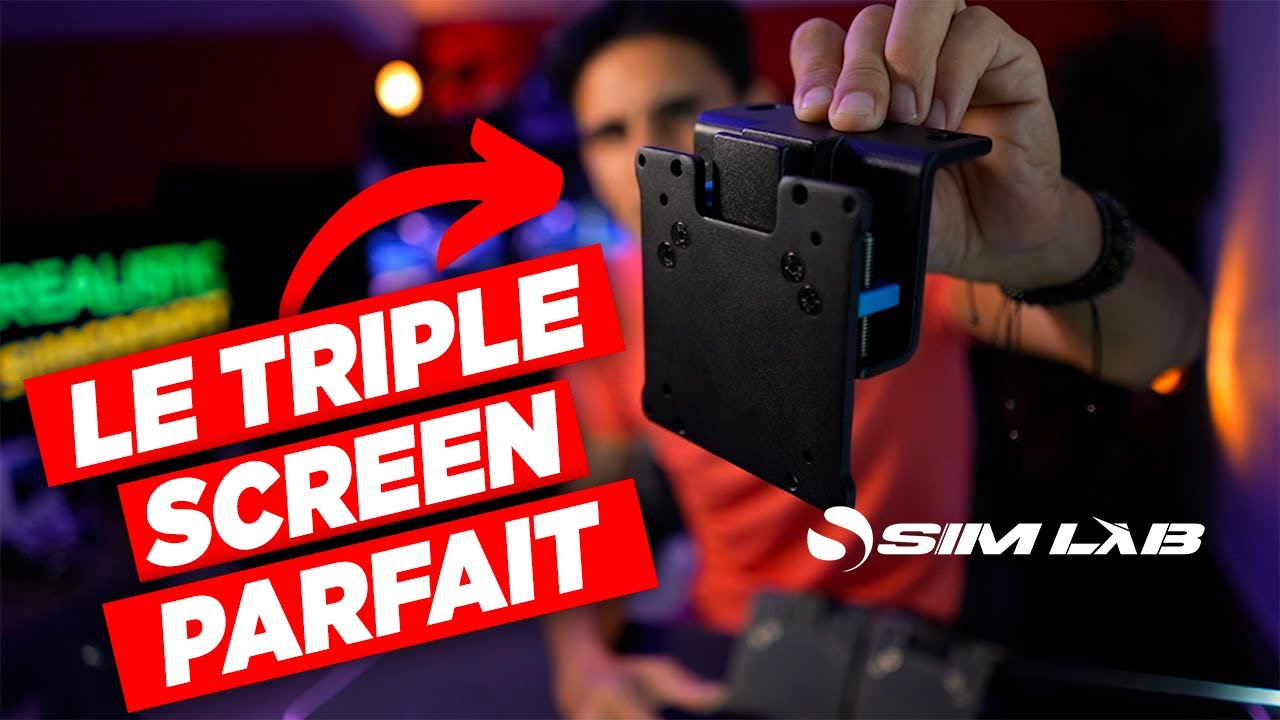
I use the ASUS Bezel Free Kit to conceal the black borders between my monitors. I already had it on my 27-inch screens and printed adapters to keep using it when I moved to 32 inches. I have become so accustomed to it that going back would be difficult.
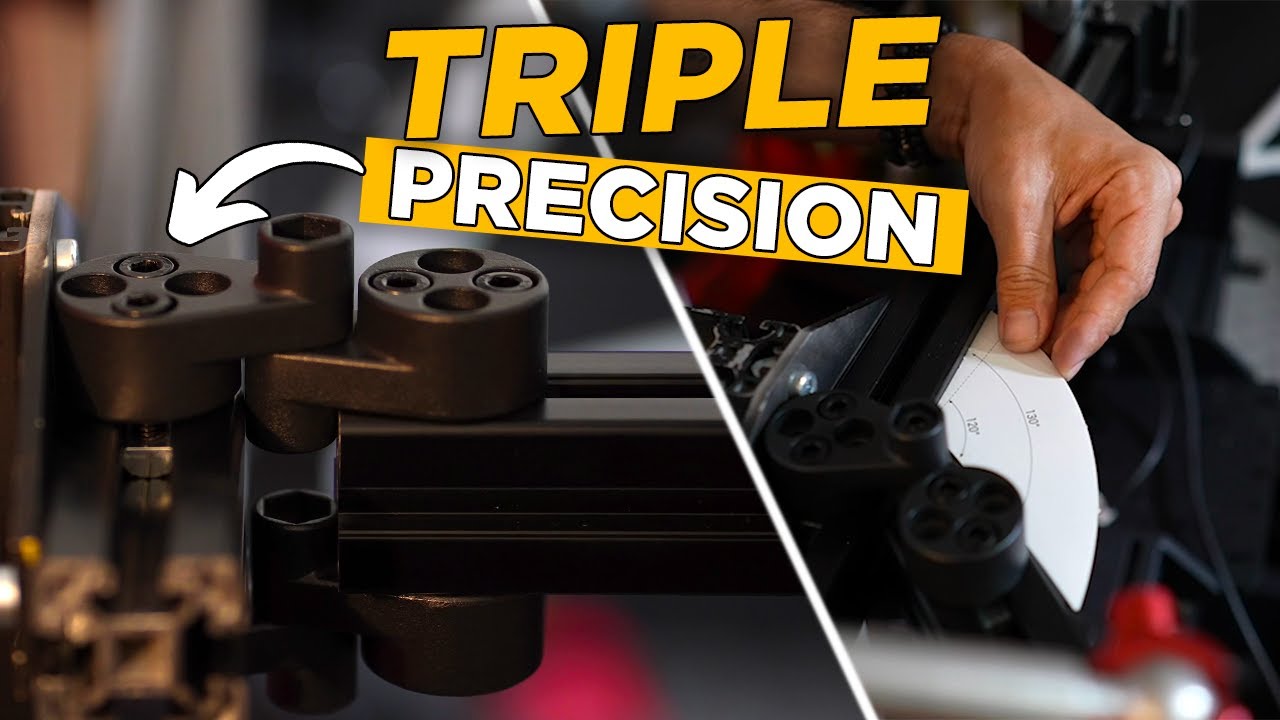
I describe an operating range of 50 to 60 degrees between the centre monitor and each side monitor. Both sides of my setup are set to 50 degrees. That choice also considers my other games, including space simulators and F1, which offer different adjustments: I want a compromise with limited distortion. A protractor lets me check that both angles match.
Next, I measure the full width of one monitor, including its borders, and the distance between my eyes and the centre screen. My monitors are 732 mm wide, and my viewing distance is roughly 68 to 70 cm. These are examples to replace with measurements from your own cockpit.
Arranging the triple screens in Windows
With an NVIDIA card, Surround can combine the three monitors. I have chosen to work without it for my OBS recording and streaming needs. I mention that this approach also involves configuration-file changes, without explaining the entire procedure here.
In Windows, I check the order of the three displays and make the centre one the main display. That is the common starting point before opening each game's menus.
iRacing: calculating FOV, then adjusting the camera
In the graphics options, the monitor menu lets me select triple screens and enter the monitor width, borders, side angle and viewing distance. I enable three-projection rendering, enter my 50-degree angles and run the calculation.
With the Bezel Free Kit, I do not keep the physical border width as the correction: in my case, −2 mm produces a join I am happy with. This is an adjustment for my installation, not a universal value.
I then adjust the camera separately. The menu shown using F12 lets me change my cockpit position and height. I also adjust pitch, which tilts the view: a value of −2 feels consistent with my seating position and height.
ACC: adapting the view to the car
Assetto Corsa Competizione's view settings contain the triple-screen measurements: distance, width, borders and angle. I enter the same dimensions and my −2 mm correction.
I then adjust height, distance from the dashboard and pitch. These vary with the car and with the alignment of the physical pieces surrounding my screens. In the Lamborghini shown, I bring the view slightly closer. I have never sat in a Huracán Evo, so I am seeking a convincing feeling without claiming to reproduce a position measured inside the real car. I save the settings and check the result while driving.
Assetto Corsa: two complementary menus
I open “Triple Screen Settings” for the dimensions and “Onboard Settings” for the camera. The first includes the angle, eye-to-screen distance, width and bezel correction. I recommend starting from actual measured distances so that the calculator serves its purpose.
The second lets me move the steering wheel left or right, since some cars do not appear perfectly centred, then adjust height and pitch. These changes help produce the perspective I want from my seat.
rFactor 2: enabling MultiView
I leave the session to access the graphics settings. My triple QHD monitors use a resolution of 7680 × 1440. After enabling MultiView, its “+” button opens the settings for screen width, eye distance, side angles and bezel gap. In this example, I set the gap to zero with the Bezel Free Kit.
F1: working with the available view settings
In the F1 games shown, my fairly high wheelbase obscures part of the screen. I also use a small piece of black cardboard attached to the display to hide the virtual wheel, because the configuration presented has no suitable option for doing so.
I reduce the field of view to its minimum and adjust the camera position and angle to obtain a coherent view. Steering-wheel height differs between Mercedes, Red Bull and Ferrari, so the cover and camera need adjusting for each car. This solution belongs to my cockpit and to the games available at that time.
Join the discussion on YouTube