Reviews / 20 October 2025
Simrig SR3: installing and testing a 3DOF motion system
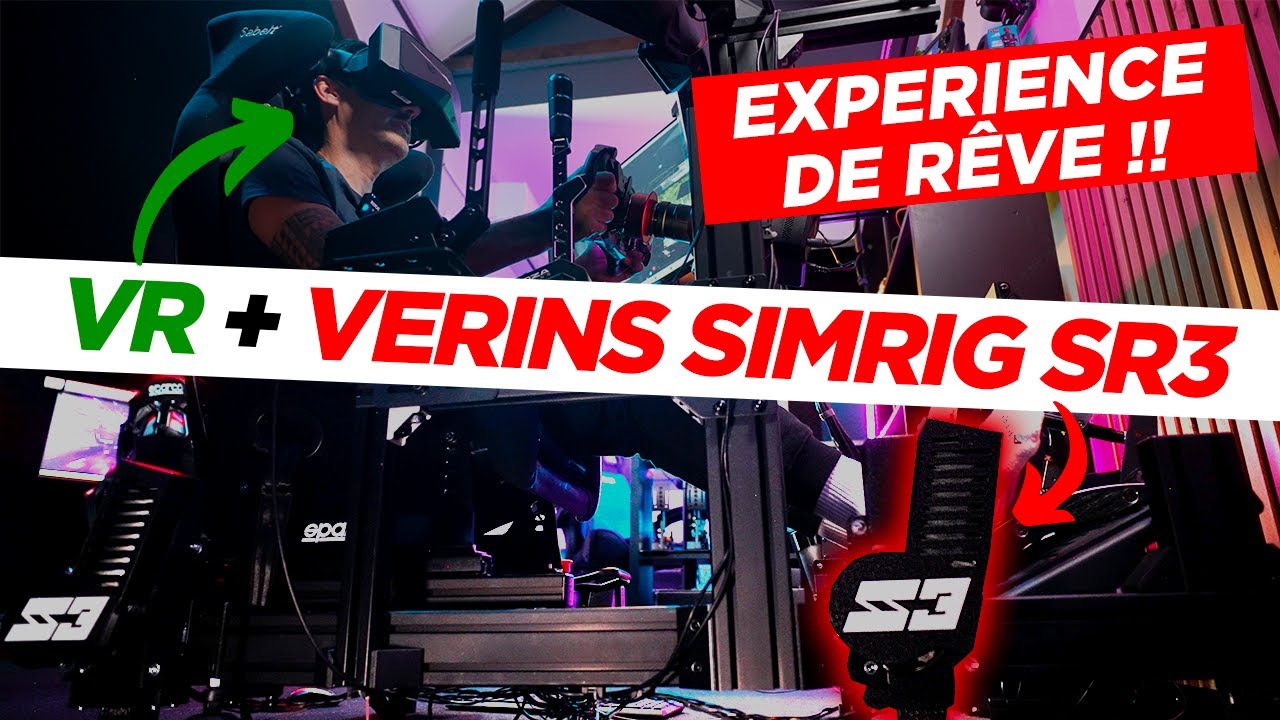
I fitted the Simrig SR3 to my own cockpit so I could test it with familiar controls, pedals and triple screens. Stealth-Gamer loaned me the system; this review covers installation, settings and the sensations I actually experienced. The biggest surprise was the integrated displays: having the screens move with the rig convinced me far more than I had expected.
Four actuators and three movements
The SR3 moves the cockpit in pitch, roll and heave. Those three degrees of freedom convey braking, load changes, bumps and compressions. They do not include rotating the rear of the rig to reproduce a slide: that yaw movement would require another mechanism.
The demonstrated kit contains four actuators, an ECU controller, power supply, cables, mounts and an emergency stop. The stated actuator stroke is 70 mm, with a maximum SR3 load of 250 kg. That includes everything that moves: driver, seat, frame, controls, accessories and potentially screens. The complete installation needs to be considered.
Preparing and fitting the system
My test rig uses 80 × 40 aluminium profiles. The Easy Bracket mounts combine a metal side plate with a printed part matched to the extrusion. The metal side mounting carries the main load, so the visible components do not all serve the same structural purpose.
The cockpit already had feet. I made risers to hold it high enough to fit the actuators alone without rebuilding the frame. That preparation explains the quick installation in my case. T-nuts then allow the brackets to be positioned along the slots.
I connect each actuator to its specified ECU socket, followed by the emergency stop, power supply and USB. One practical detail is worth anticipating: I record the controller’s serial number before mounting it under the seat. It is needed to download Simrig Control Center and becomes less accessible afterwards.
Calibrating before chasing sensations
In the software’s device tab, I start with load estimation and axis tests. The system shows front-to-rear load distribution and allows pitch, roll and vertical travel to be checked separately. I do not treat that result as an instruction to achieve an exact fifty-fifty split.
Profiles are available for individual games and cars. Vehicle recognition makes switching sessions easier. An option enables motion automatically; otherwise, it needs to be activated or assigned to a control. Some settings remain greyed out until a game supplies telemetry, which does not necessarily mean they are unsupported.
My settings: useful feedback instead of constant shaking
I tried Autotune, then preferred keeping manual forces for consistent sensations. Automatic adjustment can provide a starting point, but I do not want the balance changing continually during testing. Force settings and axis allocation partly overlap in practice, so I make changes gradually.
In the demonstrated iRacing profile, I enjoy gearshift impulses and following the track geometry. I show the latter around 50%, with more modest shift effects. These are my preferences for this installation, not a universal preset.
Increasing roll during oversteer particularly appealed to me, especially in rallying. It adds a perceptible cue without creating a true traction-loss axis. Conversely, I greatly reduce some locking and wheelspin effects: too much vibration makes me release the controls instead of driving more accurately. Even an enjoyable motion system can be set too aggressively.
Triple screens, VR and driving
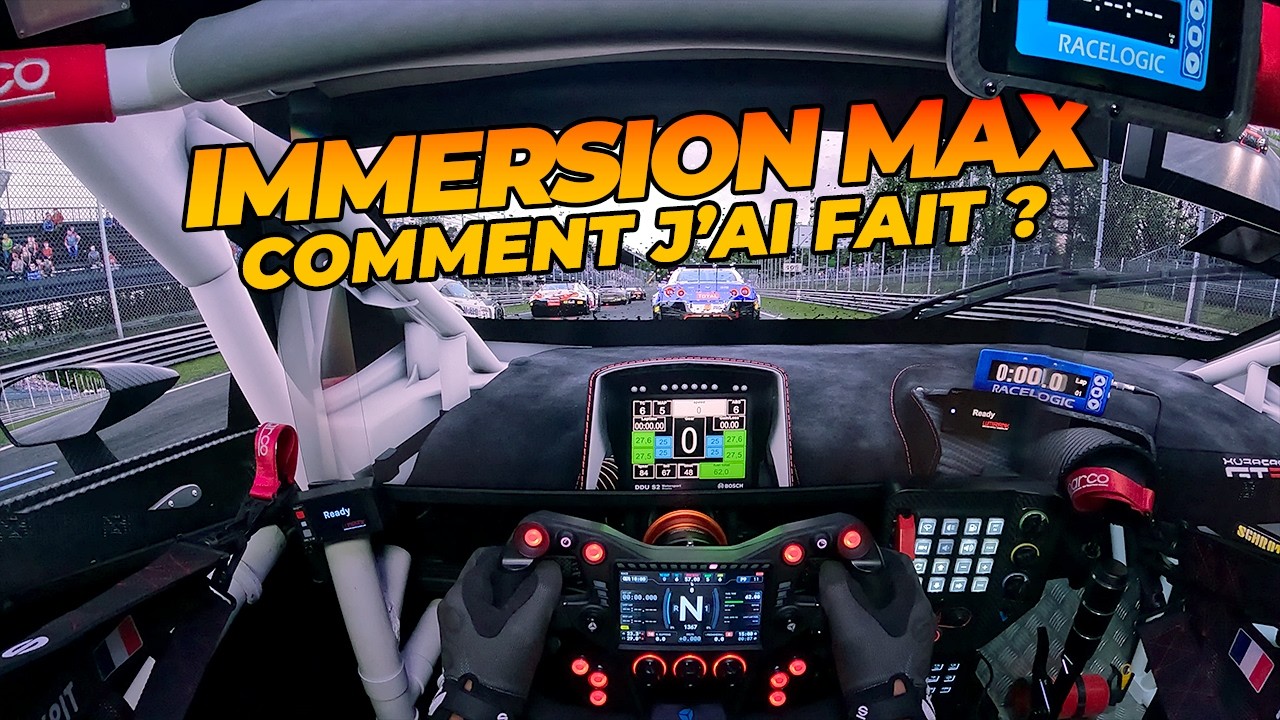
With the displays attached to the frame, the view follows the movement and the virtual cockpit maintains a coherent relationship with my position. I had reservations about this arrangement; it became one of my favourite parts of the test. Screen and mount weight must nevertheless be included in the total load.
On track, I feel braking transfers, small bumps and compressions without a floating sensation. Available effects depend on telemetry. In EA WRC, I distinguish jumps and compressions from terrain-following information that is not supplied in the same way. The software also contains VR motion-correction options, but this video does not explore them as a full tutorial.
Operation stayed stable during my sessions and mechanical noise remained unobtrusive. Some sounds heard in the demonstration come from the seat itself. What stands out is the coherence of the installation in my own cockpit; I am not claiming a controlled comparison against every competing platform.
What we liked
- Compact hardware, convenient brackets and approachable software.
- Smooth movement and profiles that can suit either short sessions or longer runs.
- The immersion of moving triple screens.
What we liked less
- Stroke that sometimes leaves me wanting more rally movement.
- No yaw axis, and effects that depend on the data supplied by each game.